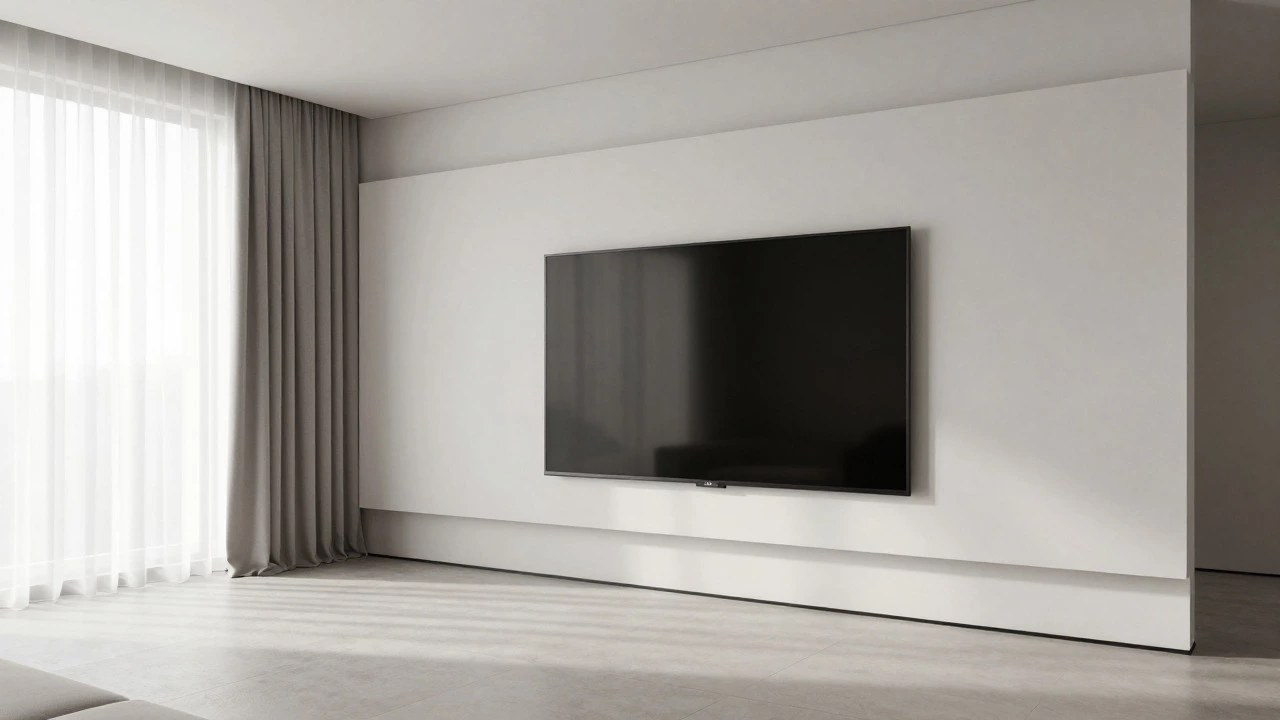
TV Placement Decision Tool
Picture this: you’ve just bought that stunning 65-inch OLED screen. It’s the centerpiece of your living room. But now comes the real test. Do you bolt it to the wall like a piece of modern art, or do you sit it proudly on a sturdy wooden cabinet? The answer isn’t just about aesthetics; it’s about how you live, how you watch, and what your walls can actually handle.
I’ve spent years helping people in Leeds sort out their living spaces, and I see the same debate come up constantly. Some folks swear by the floating look of a wall-mounted TV is a television secured directly to the wall studs for a sleek, space-saving profile. Others argue that a TV stand is a piece of furniture designed to support a television set while providing storage for media devices brings warmth and functionality to the room. There is no single "right" answer, but there is definitely a right answer for your home.
The Visual Impact: Sleek Minimalism vs. Cozy Anchor
Let’s talk looks first, because that’s usually why we ask the question. A wall-mounted TV creates a sense of openness. By lifting the screen off the floor, you expose more floor space, which makes small rooms feel significantly larger. If you’re aiming for a clean, gallery-like aesthetic where the TV disappears into the background until you turn it on, mounting is your best bet. It feels intentional and high-end.
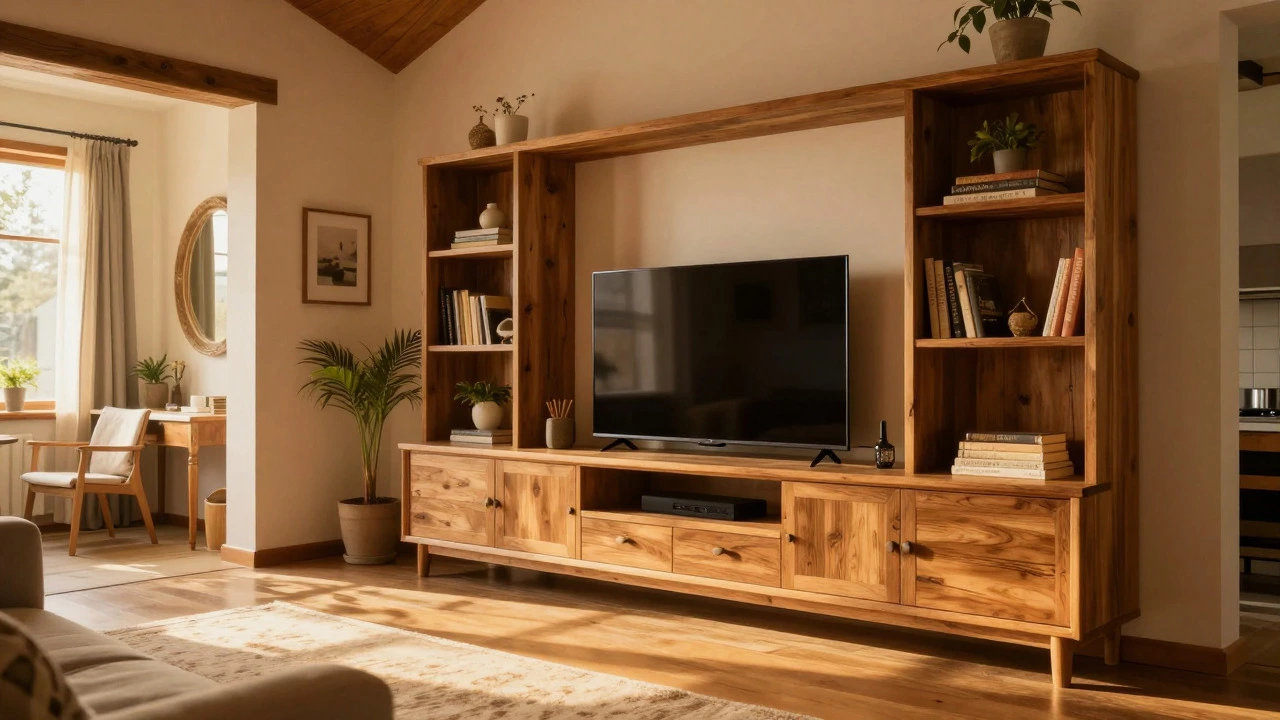
On the flip side, a TV stand acts as an anchor. In a large living room with high ceilings, a floating TV can sometimes look lost or unbalanced. A substantial media console grounds the space. It adds texture-whether that’s warm oak, matte black metal, or rustic reclaimed wood-that a bare wall simply cannot provide. Think of it like framing a painting; the stand is the frame that ties the technology into the rest of your decor.
| Feature | Wall Mounted TV | TV Stand |
|---|---|---|
| Aesthetic | Sleek, minimal, spacious | Warm, anchored, decorative |
| Storage | None (unless hidden) | Shelves, drawers, cabinets |
| Viewing Angle | Fixed height | Adjustable tilt/swivel possible |
| Installation | Drilling, stud-finding, wiring | Plug-and-play, plug in devices |
| Cable Management | In-wall kits required for clean look | Hides behind/below unit easily |
Space Constraints and Room Layout
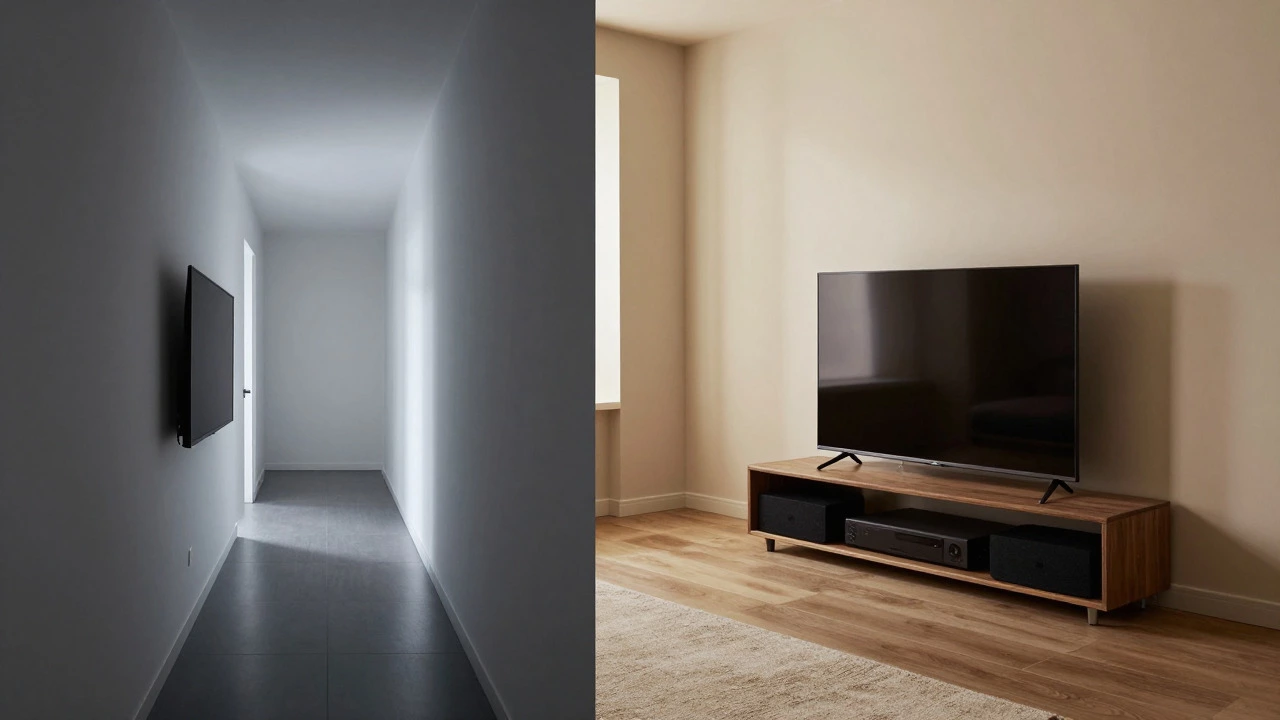
Your room’s dimensions dictate more than just style-they dictate safety and comfort. If you have a narrow hallway leading into your living area, or if kids and pets zoom around at full speed, a protruding TV stand becomes a hazard. A flush-mounted TV eliminates bump-in risks and keeps traffic flow smooth.
However, consider the depth. Most modern TVs are thin, but they still stick out 3-4 inches when mounted. If your sofa is placed very close to the wall, this might make viewing angles awkward. A TV stand allows you to pull the seating arrangement back slightly, creating a better viewing distance without sacrificing too much square footage. For apartments under 800 square feet, wall mounting often wins simply because every inch of floor space counts.
The Cable Management Nightmare
Here is the ugly truth nobody wants to admit: wires ruin the vibe. Nothing kills the "minimalist chic" look faster than a spaghetti junction of HDMI, power, and ethernet cables dangling from the bottom of your screen.
If you choose a wall mount, you need to plan for in-wall cable management is a system of conduits and plates installed inside the wall cavity to hide TV cords. This requires cutting holes in your drywall, running cables through the studs, and using specific low-voltage plates. It’s messy work, often requiring an electrician. If you skip this step, your beautiful wall mount will look cluttered within days.
A TV stand, conversely, is nature’s cable hider. You can run all your wires down the back of the TV, through grommets in the stand, and into the cabinet below. No drilling, no mess. If you rent your home and aren’t allowed to modify the walls, a stand is practically the only viable option for keeping things tidy.
Flexibility and Future-Proofing
We upgrade our TVs every few years. What happens when you buy a new 75-inch model five years from now? With a wall mount, you’re stuck unless you buy a universal bracket that supports the new size and weight. Even then, the VESA pattern (the hole spacing on the back of the TV) might not match your current hardware.
A TV stand offers infinite flexibility. As long as the new TV fits on top and doesn’t tip over, you’re good. Plus, stands often include shelving for soundbars, game consoles, and streaming boxes. If you decide to add a surround sound system later, you don’t need to rewire your walls. You just place the receiver in the cabinet. This adaptability is huge for tech enthusiasts who love to tinker.
Safety and Stability Considerations
Living in the UK, we deal with older housing stock. Many homes here have plasterboard walls over timber studs, which is fine for mounting-but only if you hit the studs. Missing a stud means your TV could fall off the wall. It’s a scary thought, but it happens. Proper installation involves finding those vertical beams and securing the bracket with heavy-duty lag screws.
If you have children, a wall-mounted TV is generally safer from being knocked over. However, ensure the mount has a locking mechanism so little hands can’t accidentally tilt it. With a TV stand, tipping is a real risk. Always anchor heavy media consoles to the wall, especially if you have curious toddlers or clumsy cats. A simple anti-tip kit costs pennies and prevents disasters.
Heat Dissipation and Electronics Health
This is a technical detail most people ignore. TVs generate heat. When mounted on a wall, air circulates freely around the entire back panel, allowing components to cool efficiently. Inside a closed cabinet, heat can trap, potentially shortening the lifespan of your TV or connected devices like game consoles.
If you opt for a stand, look for one with ventilation slots or open shelving rather than solid doors. Keep the back of the TV clear of the wall to allow airflow. Don’t cram your PS5 or Xbox into a tiny, enclosed box next to the TV. Give them some breathing room, or you’ll be replacing expensive hardware sooner than expected.
Which Option Is Right for You?
Ask yourself these three questions:
- Do you value storage? If yes, go with a stand. If you hate clutter and use wireless streaming sticks, a wall mount is cleaner.
- Is your room small? If yes, wall mount to maximize floor space. If your room is large and needs visual weight, a stand balances the scale.
- Are you renting? If yes, a stand avoids deposit deductions for drilled holes. If you own your home, you can invest in in-wall wiring for a seamless look.
There is no shame in mixing approaches. Some people use a low-profile pedestal stand that sits against the wall but doesn’t attach to it. This gives you the stability of a base with the clean lines of a mounted look. It’s a happy medium that works well in many modern living rooms.
Can I move a wall-mounted TV to a different wall later?
Yes, but it’s a pain. You’ll need to fill the old holes in the drywall, repaint, and find studs on the new wall. It’s easier to move a TV on a stand, which you can simply lift and relocate.
Does wall mounting damage my walls?
It does create holes, but they are minor. When you remove the mount, you can fill the screw holes with spackle, sand them smooth, and paint over them. It’s a standard repair that takes less than an hour.
What height should I mount my TV?
The center of the screen should be at eye level when you are seated. For most people, this is between 42 and 48 inches from the floor. Mounting it too high causes neck strain during movie nights.
Can I put a soundbar under a wall-mounted TV?
Yes, many wall mounts have extra brackets specifically for soundbars. Alternatively, you can place a small shelf below the TV. Just ensure the soundbar doesn’t block the TV’s remote sensor or speakers.
Is a TV stand safer for kids than a wall mount?
A wall mount is generally safer because the TV can’t be tipped over. However, a TV stand must always be anchored to the wall with an anti-tip kit to prevent it from falling forward if a child climbs on it.