TV Setup Decision Tool
Answer these 5 questions to find the perfect setup for your living room.
Result
TV Stand Score
Complete the form to see which setup suits your home best.
Picture this: you’ve just bought a stunning 65-inch OLED. It’s the centerpiece of your living room. Now comes the hard part. Do you bolt it to the wall like a cinema screen, or do you set it on a sturdy TV stand that holds your television and media components while providing storage space? The answer isn’t as simple as "aesthetics vs function." It depends entirely on how you live, where your furniture sits, and whether you plan to move house in the next five years.
I’ve spent years testing setups in homes across Leeds, from cramped city-center flats to sprawling detached houses. The truth is, neither option is universally "better." One might be perfect for your movie nights but terrible for your gaming setup. Let’s break down the real-world pros, cons, and hidden costs of each approach so you can make a choice that won’t annoy you six months from now.
The Aesthetic Argument: Clean Lines vs. Warmth
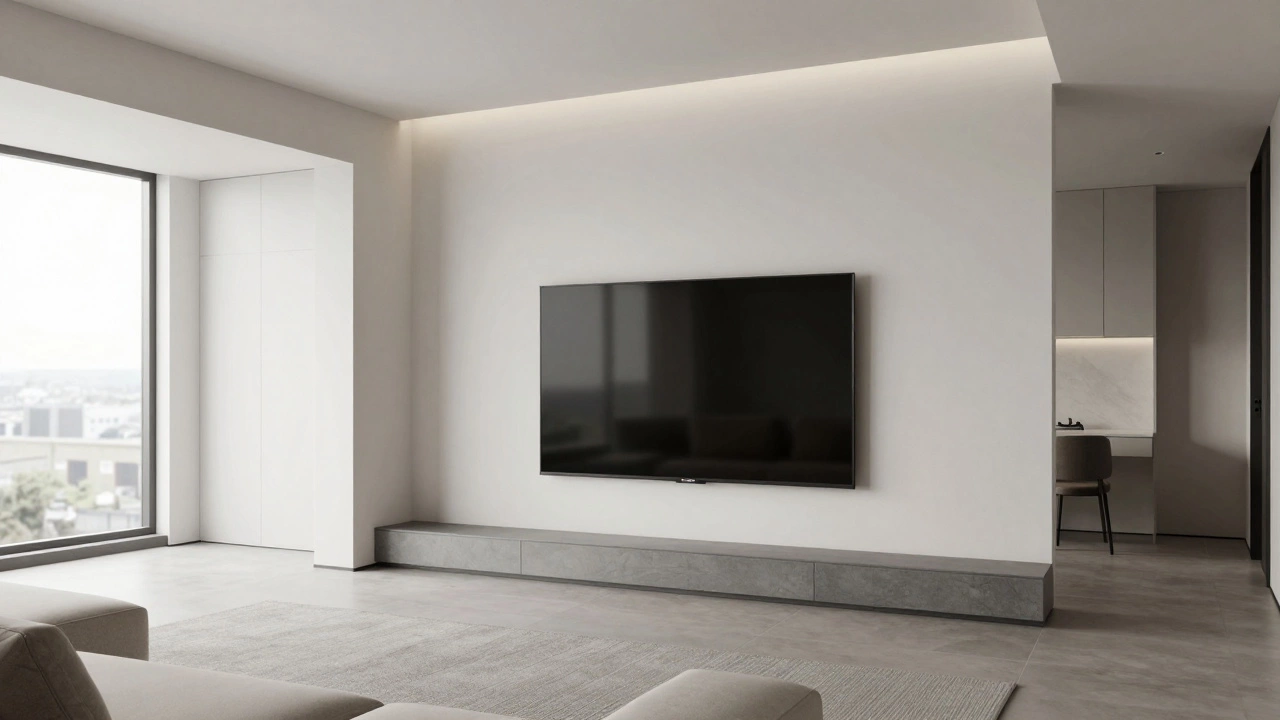
If you love minimalism, a wall-mounted TV that is attached directly to the wall structure to save floor space and create a floating appearance wins hands down. It looks sleek. It disappears into the background when turned off. There’s no bulky cabinet breaking up the visual flow of the room. For small spaces, this is a game-changer. It makes a tiny apartment feel larger because you aren’t losing valuable square footage to a piece of furniture.
However, there’s a catch. Wall-mounted TVs can look cold or sterile if not styled correctly. Without a stand to anchor the visual weight, the room can feel unbalanced. Many people end up buying floating shelves underneath to mimic the look of a console, which adds cost and complexity. On the flip side, a TV stand brings warmth and texture to a room. You can choose wood, metal, or fabric finishes that match your sofa or rug. It acts as a design element, not just a utility item.
Viewing Height and Ergonomics: Where Should Your Eyes Be?
This is where most people get it wrong. The goal is to have the center of your screen at eye level when you’re sitting down. If you sit on a low-profile modern sofa, your eyes are probably about 30-35 inches from the floor. If you use a traditional recliner, maybe higher.
With a stand: Most standard TV stands are 18-24 inches tall. Add the thickness of the TV base (usually 2-4 inches), and your screen center ends up too high. You’ll find yourself tilting your head back slightly after an hour, leading to neck strain. To fix this, you need a lower profile stand or one designed specifically for large screens.
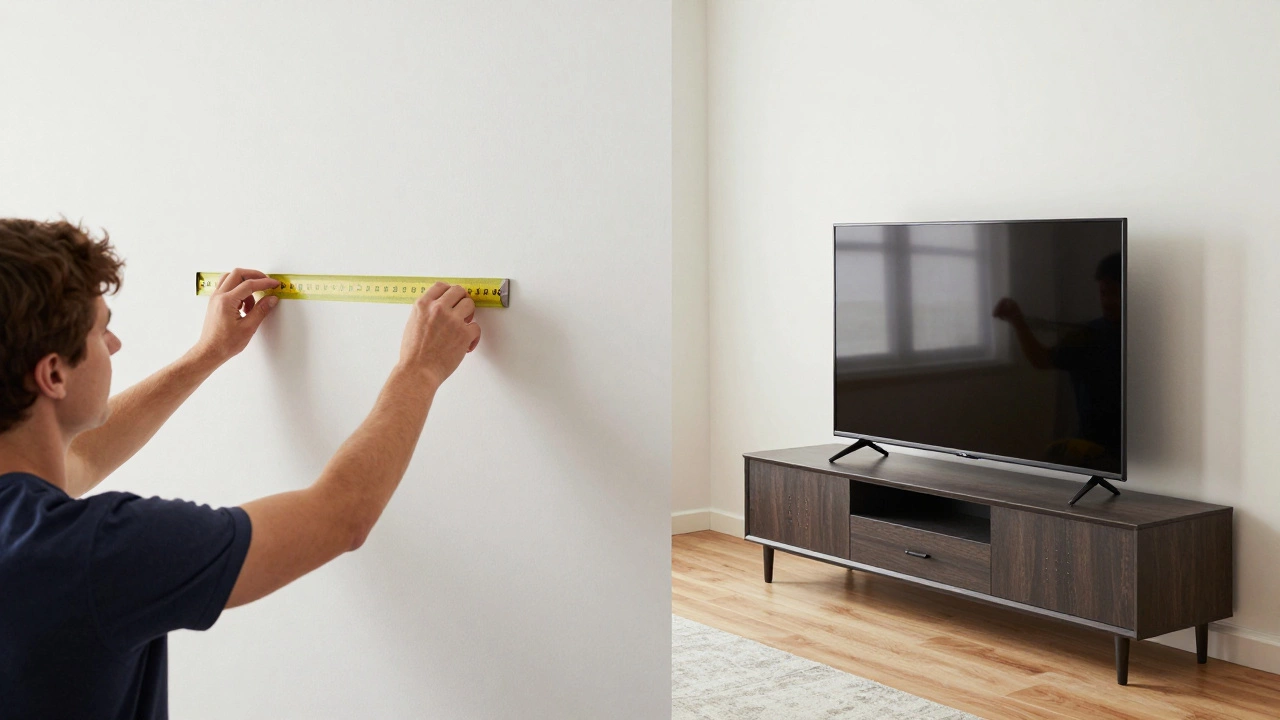
With a wall mount: You have total control. You can mark the exact height on the wall before drilling. But here’s the risk: if you mount it too high thinking it will look better from the kitchen, you’ll regret it every time you watch Netflix. Measure twice, drill once. Use painter’s tape to mock up the position on the wall for a day before committing.
Storage and Cable Management: The Hidden Mess
Let’s talk about the ugly truth: cables. HDMI cords, power bricks, soundbar wires-they all have to go somewhere.
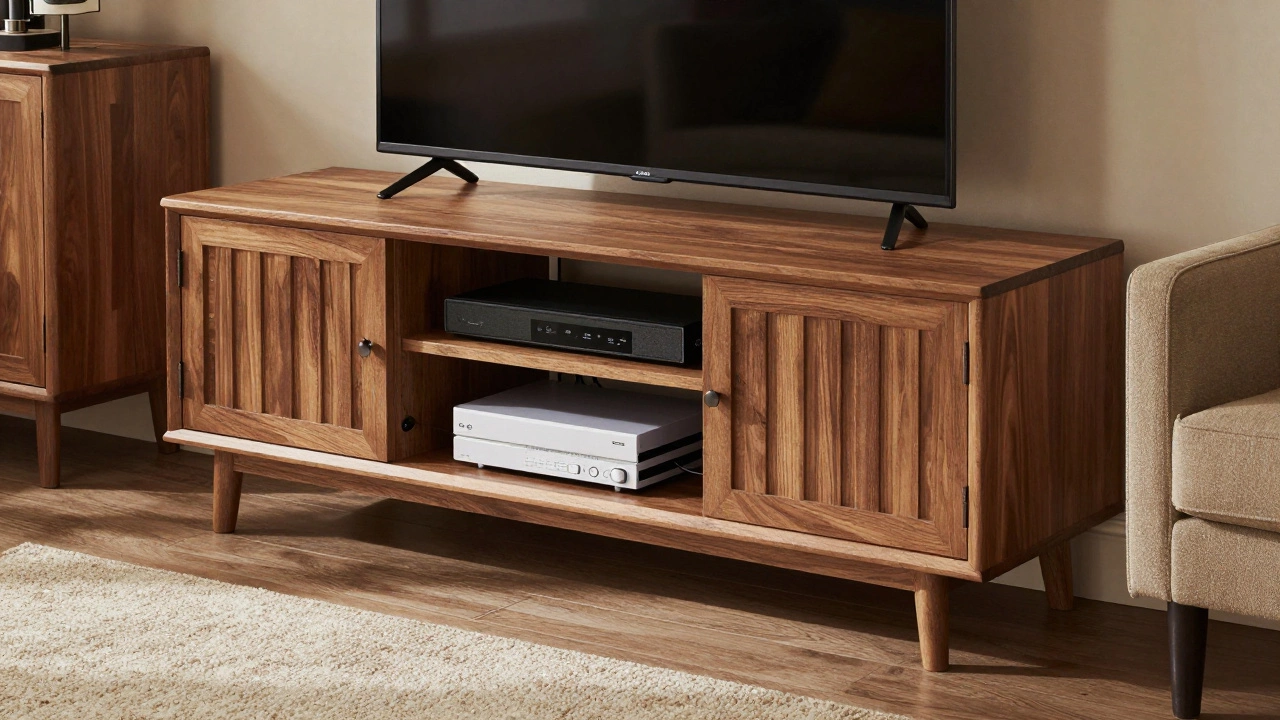
A media console that provides enclosed cabinets and open shelving for organizing electronics and accessories is your best friend here. You can tuck everything inside. Out of sight, out of mind. If you have a soundbar, Blu-ray player, or gaming consoles, a stand with doors keeps dust away and hides the clutter. It also provides ventilation, which is crucial for devices that run hot.
Wall mounting requires discipline. You’ll need in-wall cable channels or a hollow-wall kit to hide the wires running behind the TV. If your outlets are behind the TV, you’re stuck with visible cords unless you rip up drywall. Even with hidden channels, dust accumulates around the ports. Cleaning a wall-mounted setup means climbing a ladder or stretching awkwardly. With a stand, you just wipe the surface.
Flexibility and Future-Proofing
Do you rent? Do you change your furniture layout often? If yes, a wall mount is a headache. Drilling holes in plasterboard or brick is permanent damage. When you move, you have to patch and paint. Plus, what if you buy a bigger TV in two years? You’ll need new anchors and possibly a new mount type.
A TV stand is portable. You can slide it to the other wall if the light glare becomes an issue. You can swap it out for a different style without touching the walls. This flexibility is invaluable if you’re unsure about your long-term home plans. However, stands take up floor space. In a narrow hallway or small den, a bulky cabinet can block traffic flow. Wall mounts keep the floor clear, making cleaning easier and allowing pets or kids to play without tripping over corners.
Safety and Stability: Kids, Pets, and Earthquakes
If you have toddlers or clumsy dogs, a freestanding TV is a tipping hazard. Modern TVs are top-heavy. A curious child pulling on a cord can bring the whole thing down. Anti-tip kits are mandatory, but they require anchoring the stand to the wall anyway-defeating the purpose of having a movable unit.
Wall mounts are generally safer from tipping, provided they’re installed into studs or solid masonry. They don’t wobble. However, they can be harder to adjust. If you want to tilt the screen to reduce glare, you need a full-motion articulating arm, which adds bulk and cost. Fixed mounts are slim but rigid. Once it’s up, it stays there.
| Feature | Wall Mount | TV Stand |
|---|---|---|
| Aesthetics | Sleek, minimalist | Warm, decorative |
| Storage | Limited (requires extra shelves) | Excellent (cabinets/shelves) |
| Cable Hiding | Difficult (needs in-wall kits) | Easy (inside compartments) |
| Installation | Complex (drilling required) | Simple (plug and play) |
| Mobility | Fixed | Movable |
| Safety (Kids/Pets) | High (if anchored) | Low (needs anti-tip kit) |
Cost Considerations: What Are You Really Paying For?
Don’t assume one is cheaper than the other. A basic fixed wall mount costs £20-£50. A full-motion arm can run £100+. Then add installation fees if you’re not handy (£80-£150). Total: £100-£250+.
A decent TV stand ranges from £100 for particle board to £500+ for solid wood. No installation labor needed. But consider the long term. If you upgrade your TV size, a wall mount might need replacing. A stand usually accommodates a range of sizes within its footprint. Also, factor in the cost of hiding cables for wall mounts versus the built-in organization of a stand.
Which Should You Choose?
Choose a **wall mount** if:
- You prioritize a clean, modern look.
- You have limited floor space.
- You own fewer electronic devices (just the TV and maybe a soundbar).
- You’re comfortable with DIY installation or hiring a pro.
Choose a **TV stand** if:
- You need storage for consoles, DVDs, or books.
- You hate dealing with visible cables.
- You rent or plan to move soon.
- You want to easily adjust the TV’s position or angle.
- You have young children who might pull on cords.
Can I put a wall-mounted TV on a stand later?
Yes, but you’ll need to remove the VESA plate from the back of the TV. Most modern TVs have standard mounting holes. You’ll also need to fill the holes in your wall. Make sure the stand you choose is compatible with your TV’s weight and width.
Is it safe to mount a TV on drywall without studs?
Only with specialized toggle bolts or anchors rated for heavy loads. Standard plastic anchors will fail. For TVs over 50 inches, always try to hit wooden studs or brick. If you must use drywall-only anchors, consult a professional installer to ensure safety.
How high should I mount my TV?
The center of the screen should be at eye level when seated. For most people, this is 42 inches from the floor to the center of the TV. Adjust based on your seating height. If you sit on a couch, measure from the seat cushion to your eyes, then add that to the floor height.
Do TV stands protect against overheating?
Good stands have ventilation slots or open backs to allow airflow. Enclosed cabinets can trap heat if packed tightly. Leave at least 2-3 inches of clearance around devices like soundbars and game consoles. Avoid placing them in direct sunlight regardless of the stand type.
What if I have a fireplace below my TV?
Heat rises and can damage TV electronics over time. If wall-mounting above a fireplace, use a mantel that extends outward to deflect heat, or install a heat shield. Alternatively, consider a tilting mount to angle the screen downward, reducing exposure to rising warm air. A stand placed elsewhere in the room is often safer.