TV Viewing Distance: How Far Should You Sit?
Ever wonder why some shows look fuzzy or why movies feel too overwhelming? It usually comes down to how far you’re sitting from the screen. Getting the distance right makes every detail pop and saves your eyes from strain.
Why Distance Matters
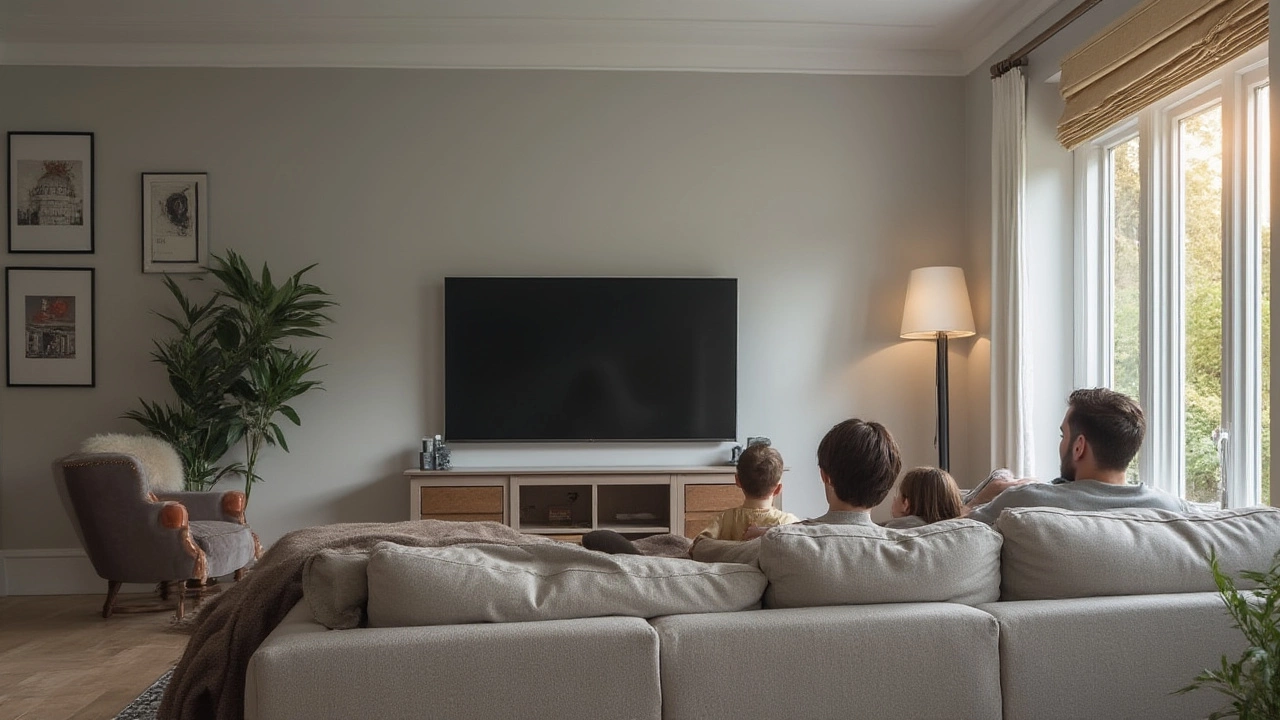
The main rule of thumb is simple: sit about 2 to 3 times the screen’s diagonal. For a 55‑inch TV, that means roughly 9‑12 feet away. This range gives you a clear picture without seeing individual pixels, and it works for most living rooms.
Quick Distance Calculator
If you want a tighter fit, use the 1.5‑2.5× formula. Multiply the diagonal by 1.5 for a cinematic feel, or by 2.5 if you prefer a relaxed view. For a 65‑inch screen, 1.5× equals about 8 feet, while 2.5× pushes you to around 13 feet.
Here’s a quick cheat sheet:
- 40‑inch TV – 5‑7 feet
- 50‑inch TV – 6‑9 feet
- 60‑inch TV – 7‑10 feet
- 70‑inch TV – 9‑12 feet
These numbers assume a typical 1080p resolution. If you have a 4K TV, you can sit a bit closer—about 1¼‑1¾× the diagonal—because the higher pixel count hides the grain.
Resolution makes a real difference. On a 4K screen, sitting too far wastes the extra detail, while sitting too close on a 1080p set reveals the grid. Match your distance to both size and resolution for the sharpest picture.
Room layout also plays a big role. Measure the distance from your couch or favorite chair to the wall where the TV will live. If you’re using a stand, add a few inches for the base height. A wall‑mounted TV often sits a bit higher, so you might need to adjust your seating angle.
Wall mounts give you flexibility. You can tilt the screen down to the seating area, which can reduce glare and keep the viewing angle comfortable. A stand, on the other hand, might limit how close you can get because the base takes up floor space.
To fine‑tune the distance, grab a tape measure and walk back until the picture fills about two‑thirds of your field of view. If the edges feel like they’re hugging you, step back a little. If you’re squinting to see details, move forward.
Common mistakes include placing the TV too close to a window (causing glare) or too far from the main seating spot (making the image feel tiny). Also, avoid mounting the TV too high; your eyes should be roughly at the screen’s midpoint when you’re sitting.
Bottom line: aim for 2‑3× the diagonal for 1080p, 1½‑2× for 4K, and adjust for room shape, furniture, and personal comfort. When you get it right, every movie night feels like a personal theater.