Optimal TV Placement: Simple Tips for Great Viewing
Choosing the right spot for your TV can feel like a puzzle, but it doesn’t have to be. Whether you’re mounting it on the wall or using a stand, a few practical rules will give you a clear picture, comfy viewing, and a tidy room.
Height and Eye Level
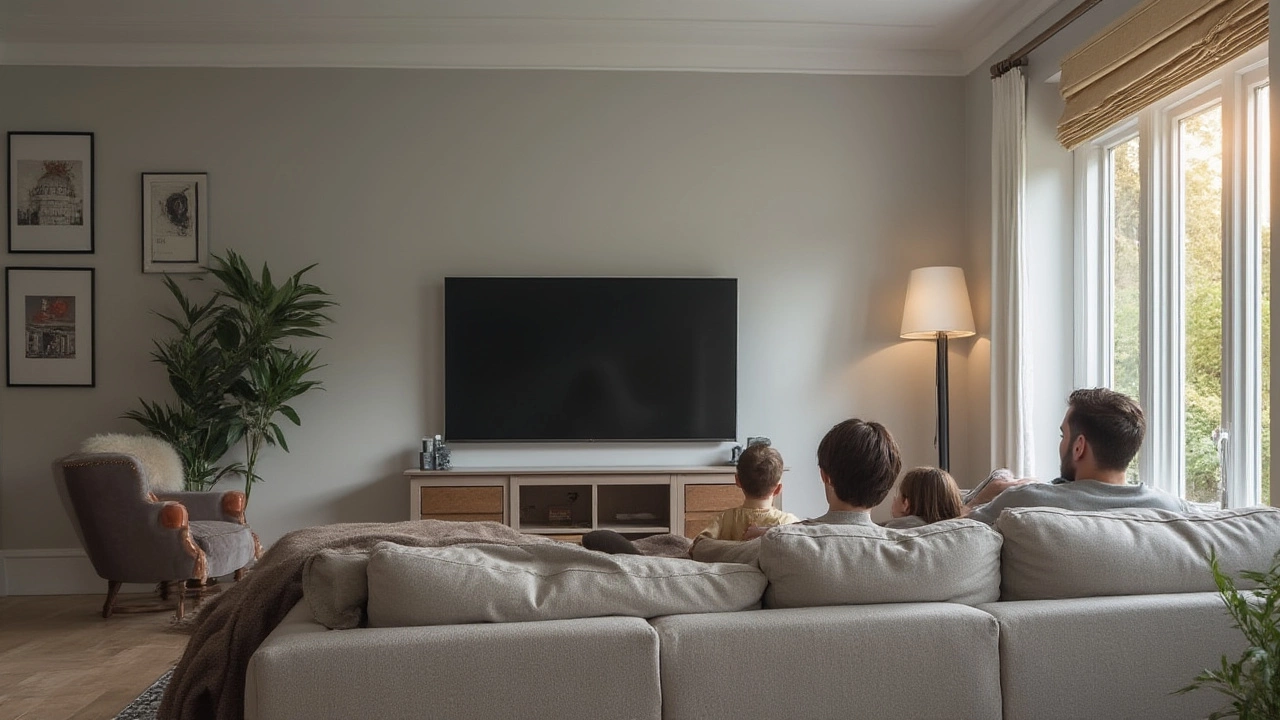
Start with eye level. Sit on your couch, look straight ahead, and note where your eyes land. The TV’s centre should sit about 42‑48 inches from the floor for most sofas. If you mount the screen, use a level and a stud finder to keep it steady. Too high and you’ll strain your neck; too low and the picture looks tilted.
Viewing Distance and Angle
Distance matters more than you think. A good rule is to sit at a distance of 1.5 to 2.5 times the TV’s diagonal size. For a 55‑inch screen, aim for 6‑11 feet away. Too close and the image looks pixelated; too far and you miss details. Also, keep the TV within a 30‑degree viewing angle to avoid glare and color shift.
If you have a large open plan, you might place the TV on a swivel mount. That lets you angle the screen toward different seating zones without moving furniture.
Wall Mount vs. Stand
Wall mounts free up floor space and give a sleek look. They’re ideal if you have limited room or want a clean, modern vibe. Make sure the wall can bear the TV’s weight—use studs or a solid brick wall. A VESA‑compatible mount lets you tilt and swivel for the perfect line of sight.
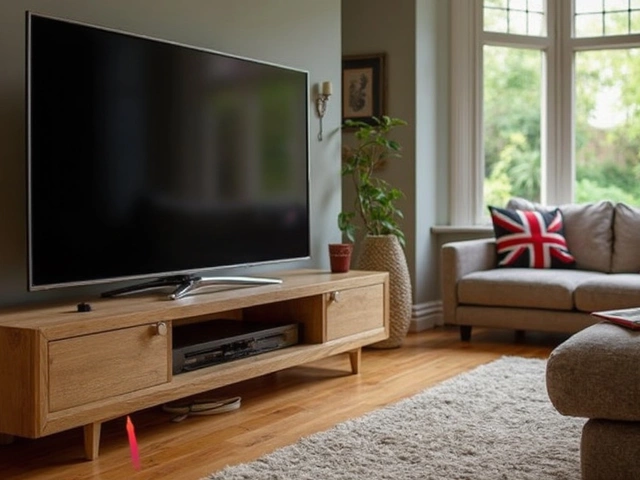
A stand works well when you need extra storage for consoles, speakers, or décor. Choose a sturdy piece that matches the TV’s width and offers cable management. Keep the stand’s top clear of clutter; tangled cords not only look messy but can affect airflow and heat.
Room Layout and Lighting
Position the TV opposite the main seating. Avoid placing it directly under windows or bright lights; glare can ruin the picture. If you can’t move windows, add blackout curtains or use angled lighting to reduce reflections.
Think about sound, too. A TV placed too far from a speaker system can make dialogue hard to hear. If you’re using a soundbar, keep it centered under the screen and leave a few inches of breathing room.
Lastly, test the setup. Sit in your favorite spot, watch a fast‑action scene, and notice any strain or glare. Adjust height, angle, or distance until it feels natural.
With these straightforward steps—eye‑level height, proper viewing distance, the right mount or stand, and smart lighting—you’ll get the most out of every show, movie, or game. Enjoy crystal‑clear viewing without the hassle.