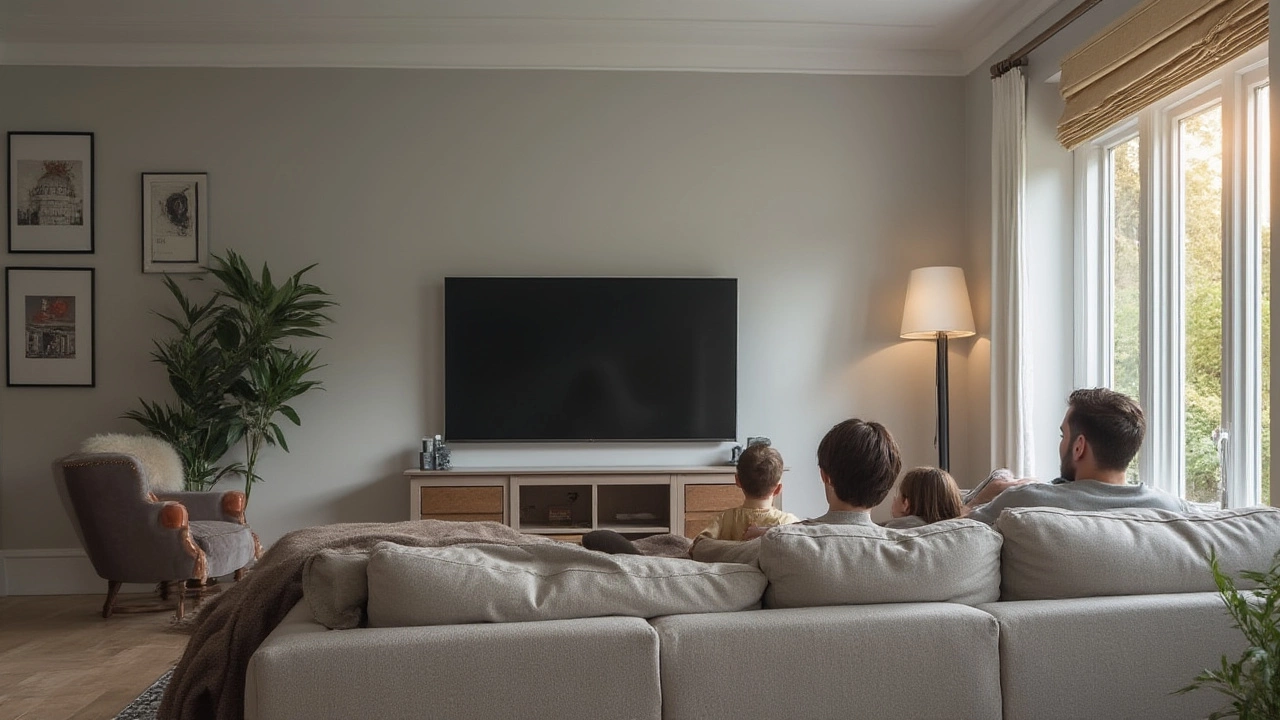
Living Room TV Setup: Mount or Stand, Placement Tips, and Layout Tricks
Putting a TV in the living room can feel like a puzzle. Do you drill a hole in the wall or buy a piece of furniture? How far should the screen be from your couch? This guide gives you clear answers without the jargon, so you can enjoy movie night sooner.
Wall Mount vs TV Stand
A wall mount saves floor space and gives a clean look. If you have a sturdy wall (brick, plasterboard with studs, or solid wood), a VESA‑compatible mount will keep the screen stable. The main costs are the mount itself (often £30‑£120) and the installation if you’re not comfortable with drills. DIY‑friendly mounts come with step‑by‑step guides and usually take under an hour.
TV stands are the go‑to for renters or anyone wary of drilling. A good stand offers storage for consoles, games, and cables, which can hide the mess. Look for a stand with a weight rating that exceeds your TV’s specs and a width that matches the screen’s base. Stand prices range from budget (£50) to designer (£500), so you can pick what fits your pocket.
When deciding, think about your room’s traffic flow. A mount keeps the TV at eye level, which reduces neck strain. A stand lets you adjust height with a TV riser if you need a better angle. Both options work; the right one matches your space, budget, and how often you move furniture.
Arrange Furniture for the Best Viewing
The first rule is viewing distance: multiply your TV’s diagonal by 1.5 to 2.5. For a 55‑inch screen, sit about 7‑11 feet away. Measure the room and place the couch or chairs within that range. If you have a larger space, create a cozy zone with a rug and a couple of armchairs angled toward the TV.
Don’t put the TV too low or too high. The centre of the screen should line up with the natural line of sight when you’re seated. If you mount high, add a swivel arm so you can tilt the screen down a few degrees. If you use a stand, check that the TV’s base sits at a comfortable height—usually 42‑48 inches from the floor.
Think about lighting. Position the TV away from windows that cause glare, or use curtains to control sunlight. LED strip lights behind the TV create a soft bias light that reduces eye strain and makes the picture pop.
Finally, keep cables tidy. Cable covers or a simple cable box can hide power and HDMI wires. If you’re using a wall mount, route cables through the wall for a truly clean look, but be aware of local building rules.
With these basics—choosing mount or stand, setting the right distance, and tidying up cables—you’ll have a living‑room TV setup that looks good, feels comfortable, and stays safe. Enjoy your new setup and the countless evenings of binge‑watching ahead!