Cable Management Made Easy: Simple Tips for a Tidy Home and Office

Ever tripped over a charger or wondered why your living room looks like a spaghetti bowl? You’re not alone. Most of us have a handful of cords hidden behind furniture, under desks, or tangled in drawers. The good news? You can fix it without spending a lot of money or hiring a pro. A few minutes and some basic tools are all you need to turn chaos into order.

Why Good Cable Management Matters

First, tidy cords are safer. Loose wires can cause trips, falls, or even short‑circuits if they get pinched. Second, a clean setup looks professional – whether you’re video‑calling clients or watching a movie at home. Third, organized cables are easier to replace or upgrade. When every plug is labeled and visible, you’ll stop guessing which charger belongs to which device.

Practical Ways to Tame Your Cords

Start by gathering everything in one place. Pull out all the cords from behind your TV, desk, and sofa. Lay them on the floor and sort by device. This quick inventory helps you see duplicates, dead chargers, and extra length you can cut.

Use zip ties or Velcro straps to bundle similar cords together. Velcro is great because you can adjust it later if you add new devices. Keep bundles loose enough to avoid bending the wires, which can damage them over time.

Label each bundle with a small piece of masking tape and a marker. Write the device name – “Laptop”, “Router”, “Lamp” – on the tape. When you need to unplug something, you’ll know exactly which one to pull.

For cords that run along walls or under desks, use cable clips or adhesive cable organizers. Stick them every 12‑18 inches to hold the cable flat against the surface. This prevents sagging and makes cleaning easier.

If you have a TV stand or media console, drill a small hole at the back to run power and HDMI cables through. This hides the mess and keeps the floor clear. Just make sure the hole is smooth so the cords don’t snag.

Don’t forget power strips. Place a strip on the underside of a desk or inside a cabinet, then feed all cords into it. It creates a single clean point for plugging in everything and reduces the number of visible plugs.

Lastly, regularly review your setup. Every few months, check for cords that no longer have a device attached. Recycle or donate old chargers – they take up space for no reason.

By following these steps, you’ll go from a tangled mess to a neat, safe, and look‑good cable system. Your feet will thank you, your devices will last longer, and you’ll finally have a clean surface to showcase your favorite décor.
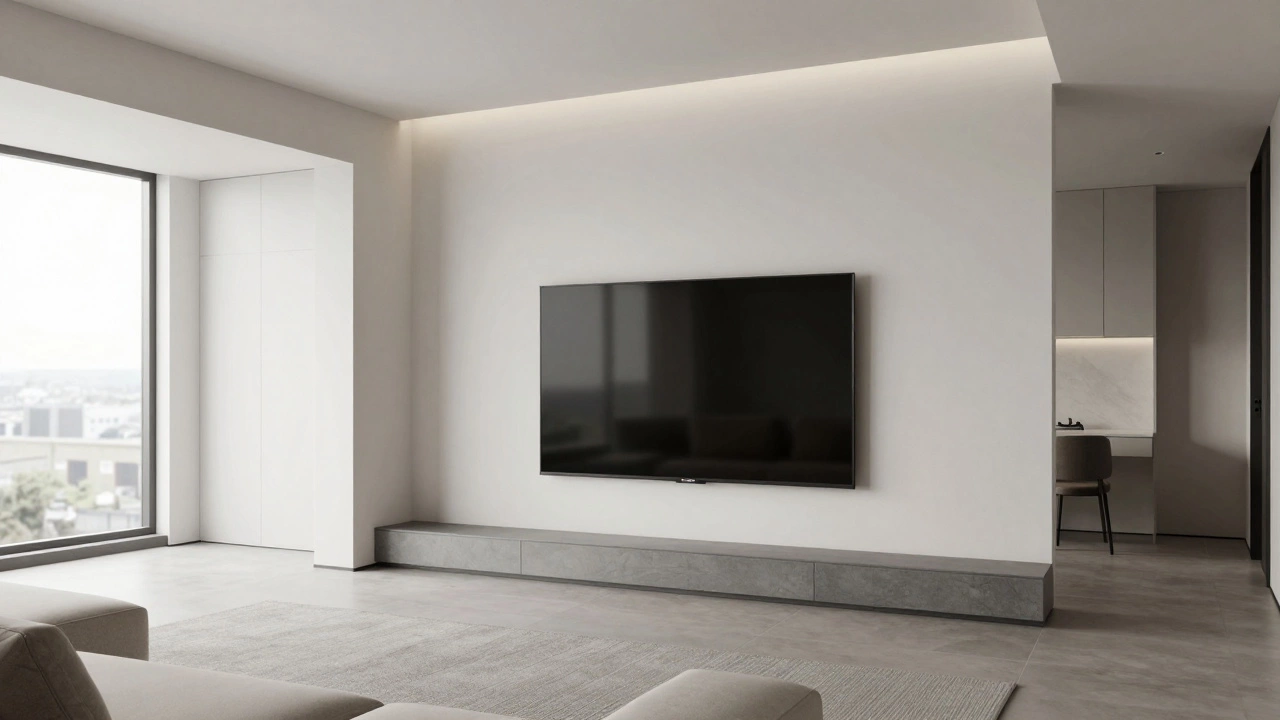
TV on Wall vs Stand: Which Looks Better and Fits Your Room?

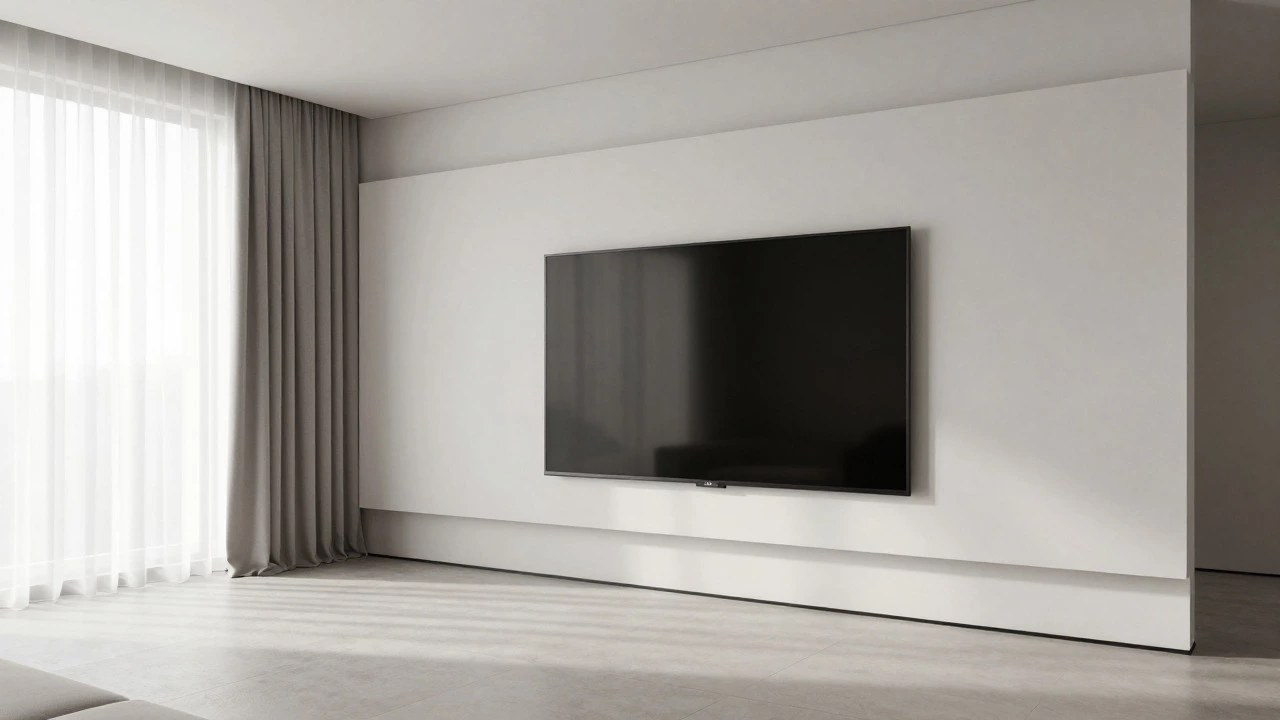
TV on Wall vs Stand: Which Looks Better and Fits Your Room?

Desmond Lockwood Aug. 10 0

Deciding between a wall-mounted TV and a TV stand depends on your room size, storage needs, and aesthetic goals. We break down the pros and cons of each option to help you choose the best setup for your home.

More Detail
Wall-Mounted TV vs Stand: Which Setup Is Actually Better for Your Home?

Wall-Mounted TV vs Stand: Which Setup Is Actually Better for Your Home?

Desmond Lockwood Jul. 6 0

Decide between a wall-mounted TV or a stand by comparing aesthetics, storage, safety, and cost. Find out which setup fits your living room layout and lifestyle needs.

More Detail
The Downside of Wall Mounting Your TV: Is It Always the Best Choice?

The Downside of Wall Mounting Your TV: Is It Always the Best Choice?

Desmond Lockwood Apr. 23 0

Considering a wall mount? Discover the hidden disadvantages of mounting a TV on the wall, from structural damage and cable mess to ergonomic mistakes.

More Detail
TV Stand Rule: What You Need to Know Before You Buy

TV Stand Rule: What You Need to Know Before You Buy

Desmond Lockwood May. 1 0

Choosing the right TV stand is about more than just looks. The size, height, and stability affect both your comfort and the safety of your TV. This article covers the main rules to follow when picking a TV stand, including how to match it with your TV and room. Learn easy tips to keep cables tidy and make your space more organized. Get clear, practical advice so you won't regret your choice.

More Detail
Recent posts
Should You Buy Furniture With Cash? Pros, Cons, and Smart Money Tips

Is it a smart move to buy furniture with cash? Break down the real pros, cons, and money-saving secrets to making the best choice for your home and wallet.

IKEA's Biggest Furniture Competitor: Who Challenges the Flat-Pack Giant?

Discover which furniture retailer poses the greatest challenge to IKEA's dominance. Compare strategies, products, and consumer appeal with insider insights.

Where Should You Not Put Bookshelves? Practical Guidelines for Every Space

If you’re thinking about adding a bookshelf to your space, knowing where *not* to put it is just as important as finding the perfect spot. This article breaks down locations that can wreck your books, mess with your home's look, or even become a safety hazard. You'll learn about moisture problems, sun damage, risky corners, and everyday annoyances people rarely consider. Discover tips to keep your books safe and your shelves sturdy. You'll walk away ready to sidestep the most common bookshelf blunders.

About Us

TV Stands