TV Mounting Decision Helper
Loading...
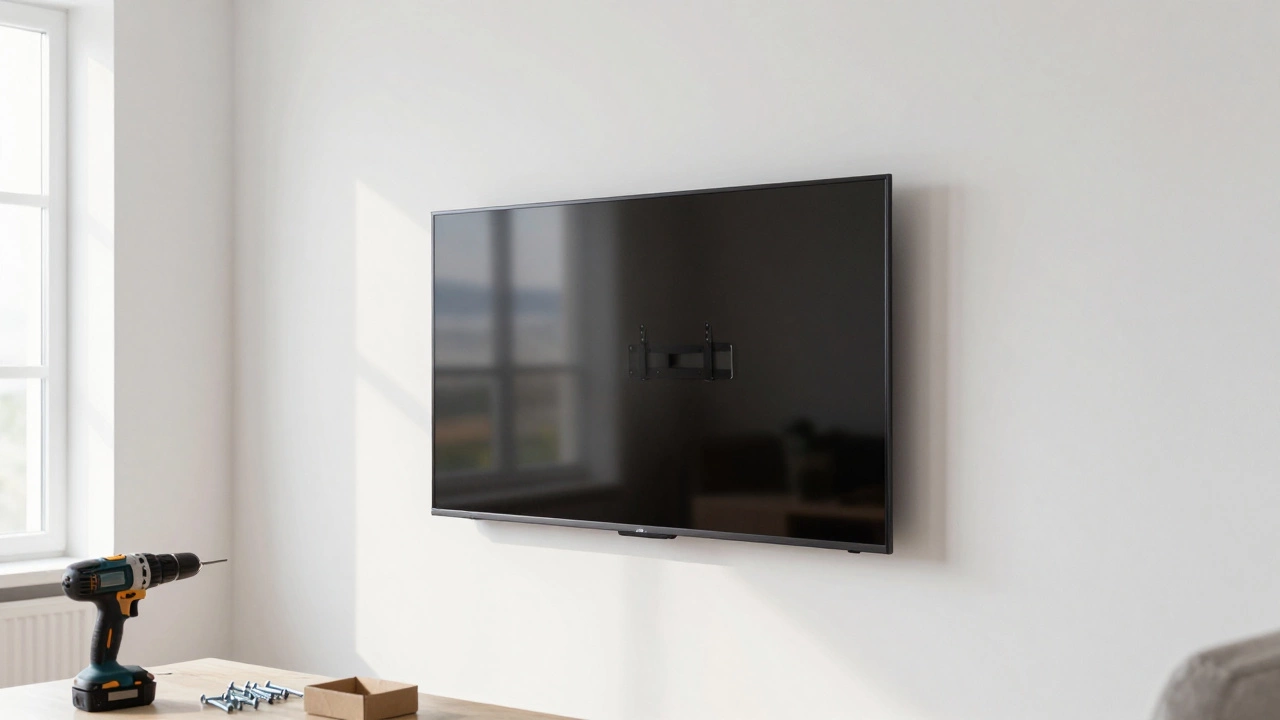
You've probably seen those minimalist living rooms in magazines where the screen floats perfectly on a white wall with zero wires in sight. It looks clean, it looks modern, and it's exactly what most people aim for. But here is the thing: drilling giant holes into your masonry or drywall isn't always the win it seems to be. Before you grab the power drill and commit to a permanent spot, you should consider if the trade-offs are worth it. Not every room is built for a wall-mounted screen, and for some of us, a sturdy piece of furniture is actually the smarter play.
Quick Summary: The Trade-offs of Wall Mounting
- Permanent wall damage and structural risks.
- Difficulties with cable hiding and hardware access.
- Lack of flexibility when moving house or rearranging furniture.
- Loss of storage space for consoles and sound systems.
- Potential for incorrect viewing angles causing neck strain.
The Permanent Scarring of Your Walls
Once you bolt a bracket into your wall, you've made a decision that is hard to undo. mounting a TV on the wall is the process of attaching a television to a vertical surface using a metal bracket and heavy-duty screws. While the TV looks great, the wall itself takes a beating. If you're renting, this is a nightmare. Most landlords in the UK will demand a professional repair and repaint of the wall before you get your deposit back.
Even if you own your home, think about the long term. What happens when you upgrade to a 75-inch screen but your current bracket is only rated for 55 inches? You'll either have to buy a new mount-which means more holes-or deal with a messy installation. If you use a TV Stand, you can simply swap the TV out without touching your architecture.
The Cable Management Struggle
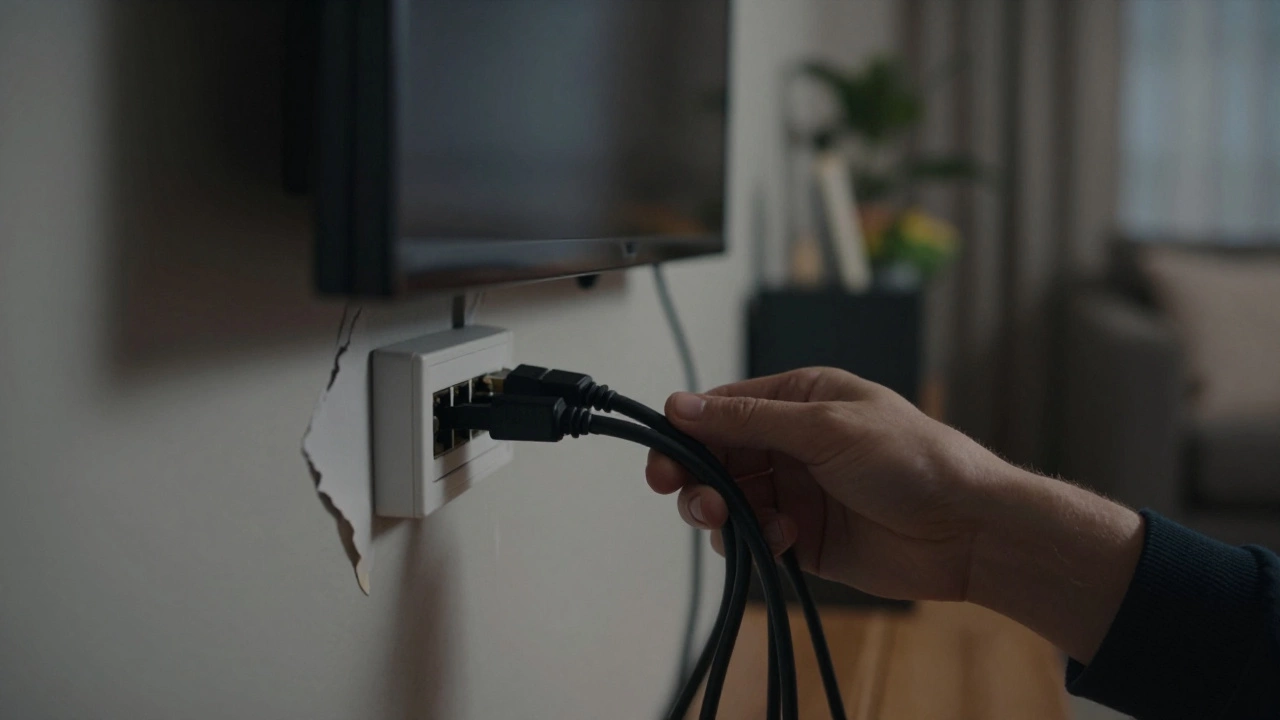
The "floating" look is only possible if the wires disappear. In a perfect world, you have a cavity wall where you can fish the cables through. In the real world, most of us end up with a plastic trunking strip glued to the wall, which honestly looks worse than just having the TV on a piece of furniture. Cable Management is the art of hiding unsightly wires, but when a TV is wall-mounted, getting to the ports is a chore.
Imagine you want to plug in a new game console or a USB drive. If your mount is a "fixed" version, you're basically performing surgery on the back of the TV, squinting into a dark gap and hoping you can plug the cable in without seeing it. A TV stand allows you to simply reach behind or move the unit slightly to access the HDMI Port with ease.
Losing Your Utility Space
A TV doesn't exist in a vacuum. You have a Soundbar, a PlayStation 5, a router, and maybe a cable box. When you mount the screen, you're left with a floating rectangle and a bunch of peripherals that still need a home. This often leads to the "floating shelf' mess, where you add small shelves under the TV that end up looking cluttered and unbalanced.
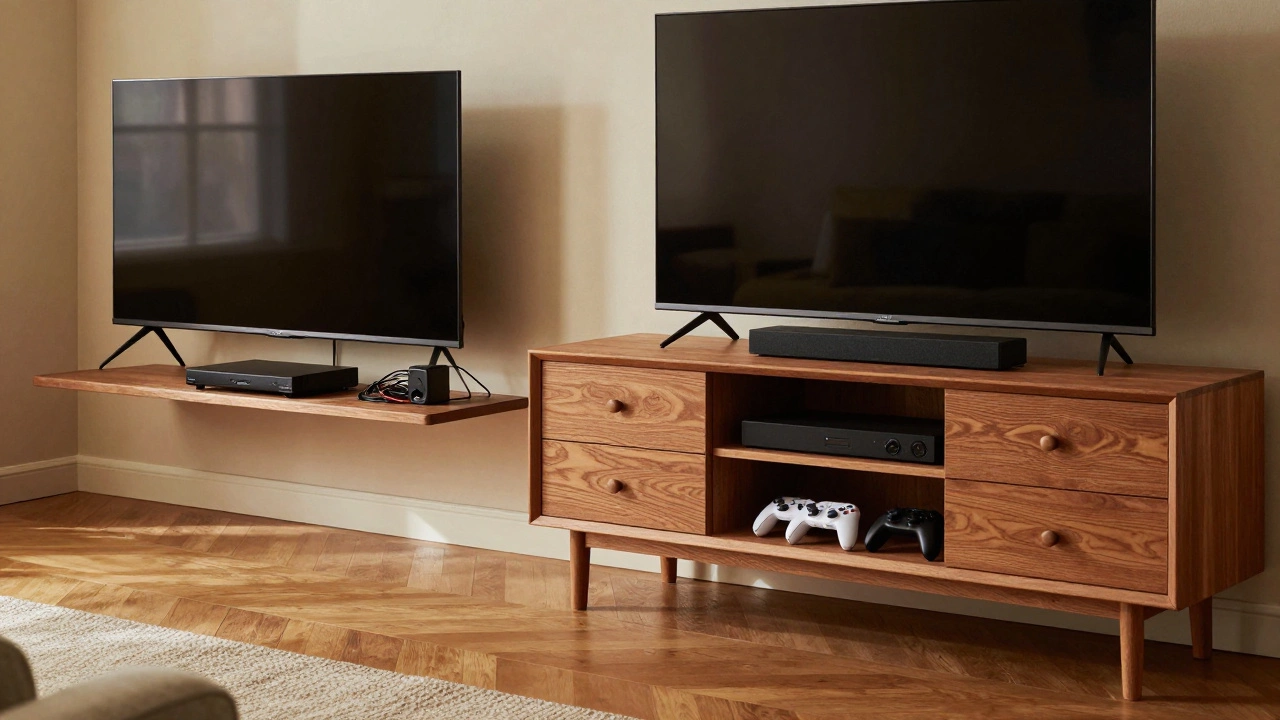
A dedicated Entertainment Center provides a centralized hub. It doesn't just hold the screen; it hides the bulk of the electronics and provides drawers for controllers and manuals. By removing the stand, you're essentially deleting a significant amount of storage from your living room.
| Feature | Wall Mount | TV Stand/Console |
|---|---|---|
| Installation Time | High (Drilling/Leveling) | Low (Unbox & Place) |
| Wall Impact | Permanent Holes | None |
| Cable Access | Difficult (depending on arm) | Easy |
| Storage Capacity | Zero | High (Shelves/Drawers) |
| Flexibility | Low (Fixed location) | High (Moveable) |
The Ergonomics of the "Too High" TV
There is a common phenomenon known as "r/TVTooHigh." Many people mount their screens at eye level when they are standing, but then they sit down on their sofa and realize they are looking up at a 15-degree angle. Over a three-hour movie, this leads to genuine neck strain and headaches. When a TV is on a stand, the height is naturally closer to the seated eye line.
If you realize you've mounted the TV too high, fixing it means drilling new holes and patching the old ones. It's a lot of work for a mistake that could have been avoided with a simple piece of furniture. A Full Motion Mount can tilt the screen down, but it doesn't solve the awkwardness of the placement.
Structural Risks and Material Failures
Not all walls are created equal. If you have Drywall or plasterboard, you cannot simply screw a mount into the surface. You must find the Wall Studs-the wooden beams behind the wall-to ensure the TV doesn't rip through the plaster. If you miss a stud and rely only on plastic anchors, you're gambling with an expensive piece of tech.
In older homes, especially those with lime plaster, drilling can cause large chunks of the wall to crack or fall away. A TV stand requires zero structural knowledge; you just need a flat floor. It removes the risk of an accidental trip to the emergency room because a 65-inch screen decided to succumb to gravity.
The Flexibility Gap
Life changes. You might decide to move your sofa to the other side of the room to catch the afternoon sun, or you might move to a new house entirely. A wall-mounted TV locks you into one specific layout. To move it, you have to uninstall the hardware, patch the holes, sand the wall, and repaint. It's a half-day project just to move a screen six feet to the left.
With a stand, you just push the furniture. You can change the vibe of your room in five minutes. This versatility is why many interior designers still recommend a high-quality console over a mount, as it allows the room to evolve without needing a toolkit and a bucket of filler.
Can I mount a TV on a brick wall?
Yes, brick is actually one of the strongest surfaces for mounting. However, you will need a masonry drill bit and heavy-duty wall plugs (rawls plugs) to ensure the bracket stays secure. Be aware that drilling into brick is permanent and cannot be "undone" without significant patching and painting.
What is the best way to hide cables for a wall-mounted TV?
The cleanest method is using an in-wall cable routing kit, which allows you to run wires behind the drywall. If you can't cut into the wall, a paintable cable raceway (plastic trunking) is the next best option. It sticks to the wall and can be painted the same color as your room to blend in.
Do wall mounts damage the TV itself?
Generally, no, as long as you use the screws provided by the manufacturer and don't over-tighten them. However, if you use a mount that doesn't fit your TV's VESA pattern correctly, you could potentially put undue stress on the chassis.
Is it cheaper to mount a TV or buy a stand?
A basic wall mount is often cheaper upfront than a piece of furniture. However, when you factor in the cost of professional installation (if you don't do it yourself) and the cost of repairing the wall later, a TV stand often proves more cost-effective in the long run.
How do I know if my wall can support a TV?
Use a stud finder to locate wooden supports if you have drywall. If you have masonry, the wall can typically handle the weight. Always check the weight limit of the bracket against the actual weight of your TV (without the stand) to avoid a collapse.
Next Steps and Troubleshooting
If you're still undecided, try the "tape method." Use painter's tape to outline where the TV would be on the wall. Leave it there for a few days. See if it feels too high when you're sitting on your couch. If it feels awkward, you've just saved yourself a lot of drilling.
For those who absolutely want the floating look but fear the damage, look into "no-stud" mounts. These use many tiny nails to distribute weight across the drywall. They are great for lighter screens but aren't recommended for massive 80-inch beasts. If you have a lot of gear to store, consider a "hybrid" approach: a low-profile console table that sits just under a wall-mounted TV, giving you the best of both worlds.