TV Setup Decision Tool
Answer 4 Questions
Your Recommendation
Why Wall Mount?
Why TV Stand?
You stare at that massive screen, wondering if you should bolt it to the drywall or let it sit on a piece of furniture. It feels like a small decision, but it changes how your room looks, how you watch shows, and even how safe your setup is. There is no single "correct" answer because your walls, your budget, and your lifestyle dictate the best path. Some people love the sleek, floating look of a wall mount, while others need the storage and flexibility of a traditional stand. Let’s break down the real pros and cons so you can stop guessing and start setting up.
The Aesthetic Battle: Sleek Minimalism vs. Warm Furniture
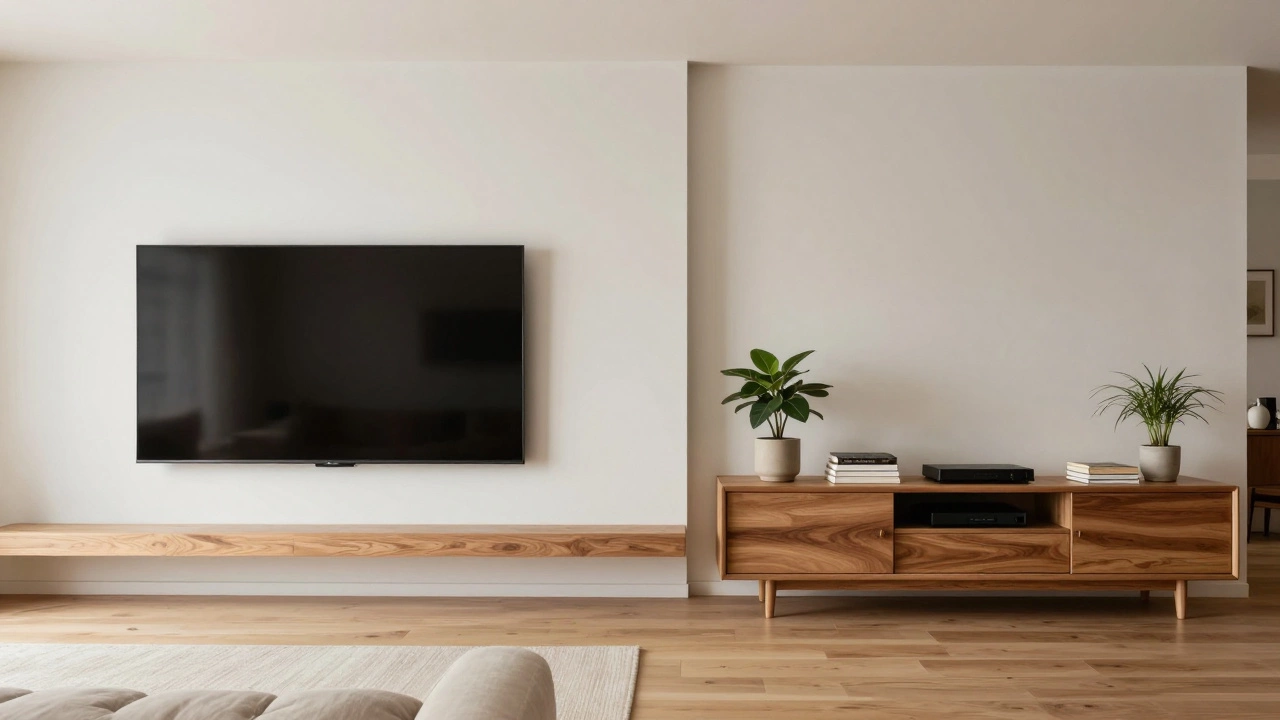
Let’s talk about looks first, because that’s usually why we buy TVs in the first place. A wall-mounted TV creates a clean, uncluttered visual. It disappears into the background when it’s off. If you have a small apartment or a minimalist living room, this saves floor space and makes the room feel larger. You don’t have to worry about tripping over cables on the ground, and you avoid the bulky silhouette of a cabinet underneath your screen.
On the other hand, a TV stand adds warmth and texture to a room. It acts as an anchor for your decor. You can style it with books, plants, or art. In larger rooms, a floating TV can sometimes look lost or too small against a vast expanse of wall. A substantial media console grounds the space. It also hides the messy reality of modern entertainment systems-routers, game consoles, soundbars, and tangled wires-behind closed doors or inside shelves.
Viewing Comfort: The Ergonomics of Height
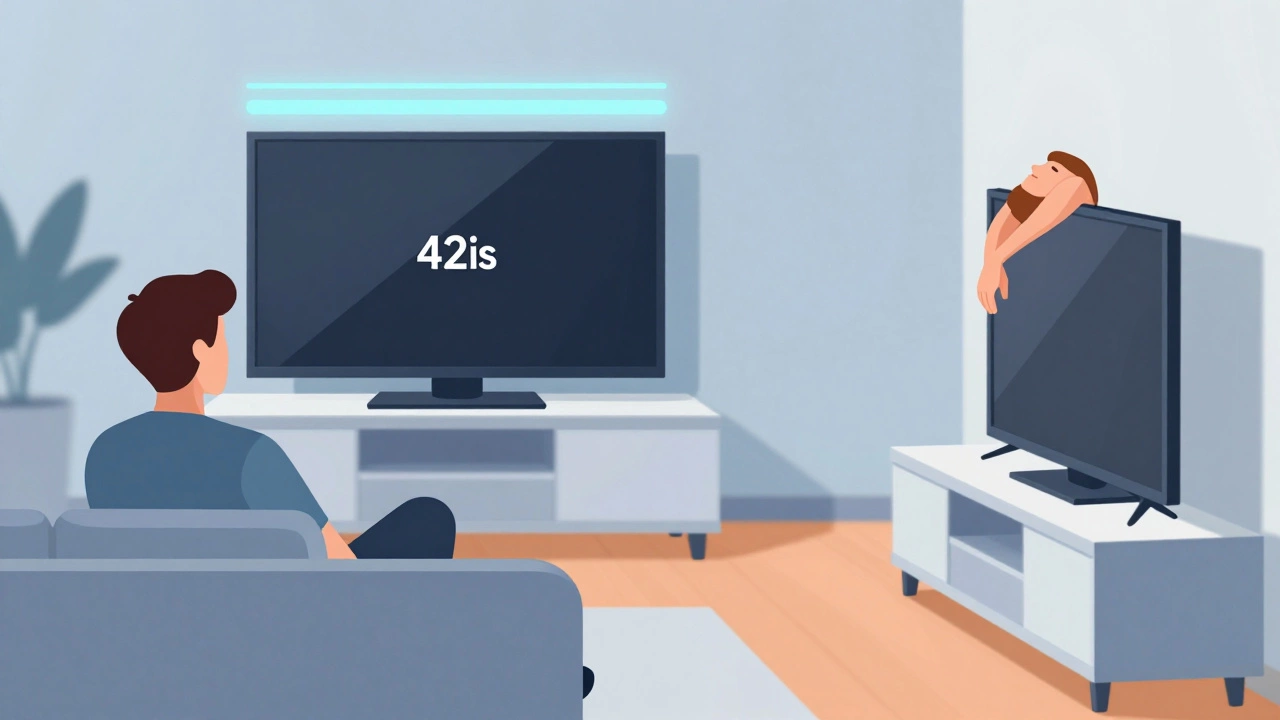
This is where things get technical, but it matters more than you think. Eye strain is real. The general rule from ergonomic experts is that the center of your TV should be at eye level when you are sitting down. For most people, that means the center of the screen sits between 40 and 42 inches from the floor.
If you mount your TV, you control this precisely. You measure, you mark, you drill. But here is the catch: once it’s up, it’s stuck there. If you decide to change your sofa later, or if you start watching more content while lying in bed, that fixed height might become uncomfortable. Wall mounts are rigid unless you pay extra for a full-motion articulating arm, which swings the TV out and allows tilting.
A TV stand offers natural flexibility. Most standard media consoles are around 20 to 24 inches high. When you add a 55-inch or 65-inch TV on top, the bottom edge of the screen often ends up too low. This forces you to crane your neck upward, which leads to headaches after a long movie marathon. However, you can mitigate this by using risers or choosing a taller cabinet. The advantage of a stand is that you can physically move the TV if your seating arrangement changes. You aren’t locked into one geometry forever.
Installation Risks and Wall Integrity
Mounting a TV requires drilling into your wall. This isn’t just about putting holes in drywall; it’s about structural integrity. Modern TVs are heavy. A 65-inch OLED can weigh over 40 pounds without the stand. You must hit a stud-the wooden or metal frame behind the drywall-to support that weight safely. Drywall anchors alone are risky for large screens.
If your wall is concrete, brick, or plaster, the installation becomes much harder. You’ll need specialized drills and bits. If you rent your home, drilling holes might violate your lease or cost you your security deposit. Even in your own home, finding studs requires a stud finder and careful measurement. Miss a stud, and you risk pulling the TV down, potentially injuring someone or destroying the screen.
A TV stand eliminates these risks entirely. No tools, no drilling, no damage to your property. You simply plug it in and go. This makes stands ideal for renters, frequent movers, or anyone who dreads DIY projects. It also protects your investment. If you ever want to sell the TV, it comes with its base intact, ready to be plugged in anywhere.
Cable Management: The Hidden Nightmare
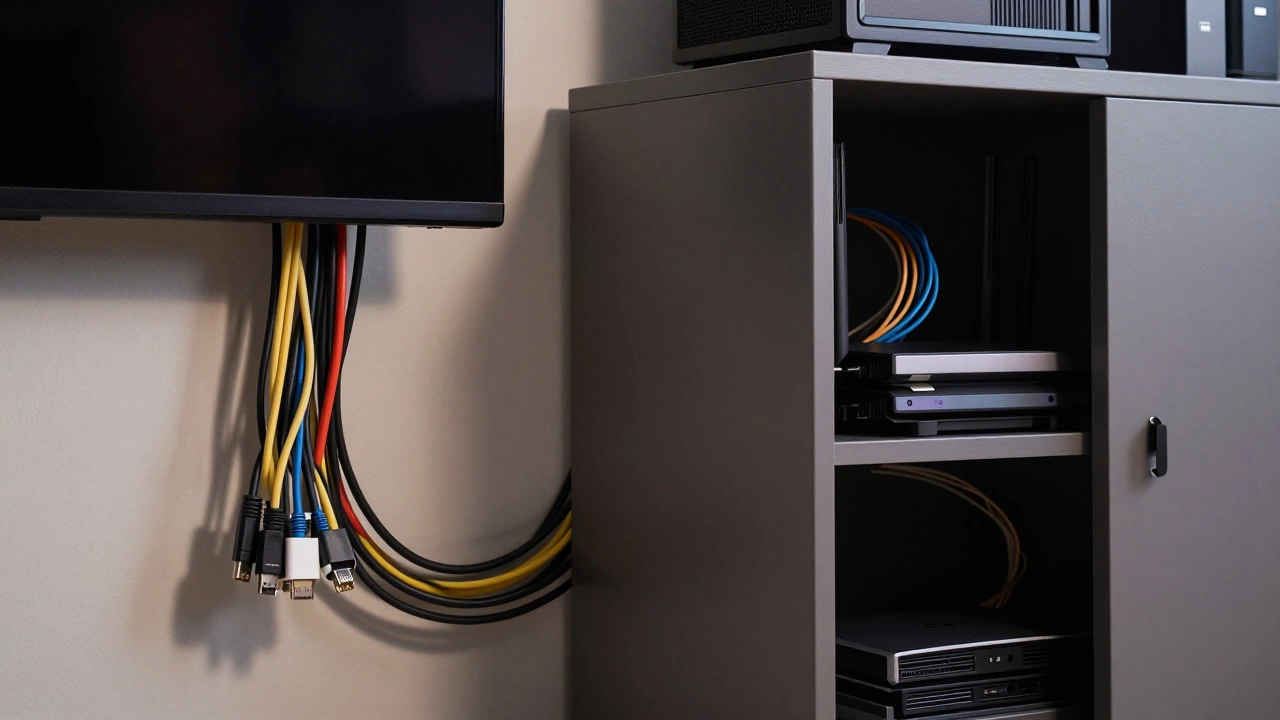
We’ve all seen it: the "spaghetti" of cables hanging behind a mounted TV. HDMI cords, power cables, Ethernet lines-they dangle like dead vines. While wall mounts save floor space, they often create a visual mess on the wall unless you invest time and money in hiding them. You can buy in-wall cable kits that run wires through hollow spaces in your wall, but this requires cutting into drywall and dealing with fire codes (you need in-wall rated cables).
TV stands generally handle cable management better out of the box. Many models come with pre-drilled holes in the back panel for easy routing. You can tuck cables behind the unit, use zip ties, or hide them in dedicated compartments. The clutter is contained within the furniture piece rather than displayed prominently on your wall. If aesthetics matter to you, a stand often provides a cleaner look with less effort.
Storage Needs: Do You Have Gear to Hide?
Think about what else lives in your entertainment area. Do you have a PlayStation, Xbox, or Nintendo Switch? A Blu-ray player? A streaming stick? A soundbar? A receiver?
- Minimalist Setup: If you only use a smart TV and maybe one streaming device, a wall mount keeps things tidy. You can leave small devices on a nearby shelf or side table.
- Heavy Gear Setup: If you have multiple consoles, a gaming PC, or a complex audio system, a wall mount leaves you with nowhere to put them. They end up stacked precariously on the floor or visible on open shelves, looking chaotic.
A TV stand solves this. Media consoles offer drawers, cabinets, and shelves specifically designed for AV equipment. This keeps dust away from vents, reduces tripping hazards, and organizes your tech. For gamers and audiophiles, the storage capacity of a stand is often a dealbreaker.
Safety Considerations: Pets, Kids, and Earthquakes
If you have young children or curious pets, a mounted TV is significantly safer. A TV on a stand can be tipped over. Toddlers climb on furniture; dogs jump up to greet owners. A falling 70-pound TV is a serious hazard. Wall mounts eliminate the tipping risk almost entirely. Just ensure the mount is securely attached to studs.
However, consider the opposite scenario: earthquakes or severe vibrations. In regions prone to seismic activity, some experts argue that a properly secured TV stand with anti-tip straps can be safer than a rigid wall mount, which may fail if the wall structure shifts. But for typical household accidents involving kids and pets, mounting wins on safety.
Cost Comparison: What Are You Really Paying?
Let’s look at the wallet impact. A basic fixed wall mount costs between $20 and $50. A full-motion mount runs $50 to $150. Installation services add another $100 to $300 depending on your location and complexity.
A decent TV stand ranges from $100 for simple particleboard models to $500+ for solid wood or designer pieces. High-end media consoles can exceed $1,000. So, purely for holding the TV, a mount is cheaper. But if you factor in the cost of buying a separate piece of furniture to hold your electronics, the gap narrows. If you already have a suitable cabinet, mounting is the clear winner financially.
| Feature | Wall Mount | TV Stand |
|---|---|---|
| Space Saving | Excellent (Floor space free) | Poor (Takes up floor space) |
| Installation Difficulty | High (Drilling, Studs required) | Low (Plug and play) |
| Viewing Angle Flexibility | Fixed (unless articulated) | Movable (can reposition TV) |
| Storage Capacity | None | High (Shelves, Drawers) |
| Renter Friendly | No (Holes in wall) | Yes (No damage) |
| Safety (Kids/Pets) | High (No tipping) | Medium (Risk of tipping) |
Which One Should You Choose?
Choose a **wall mount** if:
- You live in a small space and need every square inch of floor.
- You have young children or pets who might knock things over.
- You prefer a minimalist, modern aesthetic.
- You have minimal external electronics to hide.
- You own the home and don’t mind drilling.
Choose a **TV stand** if:
- You are renting and cannot make permanent changes.
- You have lots of gaming consoles, receivers, or media players.
- You want to rearrange your furniture layout frequently.
- You dislike drilling holes in walls.
- You want to style your room with decor items.
There is also a hybrid option: many modern TV stands are designed to accept wall mounts. You can bolt the mount to the back of the cabinet, keeping the TV elevated but still having storage below. This gives you the best of both worlds if your cabinet is sturdy enough.
Can I mount my TV on any wall?
No. You must mount your TV onto studs (wooden or metal frames) inside the wall. Drywall alone cannot support the weight of a large TV safely. Concrete or brick walls require special anchors and drilling techniques. Always check your wall type before purchasing a mount.
How high should I mount my TV?
The center of the TV should be at eye level when you are seated. For most adults, this is approximately 42 inches from the floor to the center of the screen. Measure your seating height first to determine the exact placement.
Is it harder to clean behind a mounted TV?
Yes. Dust accumulates behind mounted TVs and is difficult to reach without removing the screen. With a TV stand, you can easily pull the unit forward or access the back to vacuum and dust regularly.
Do wall mounts void my TV warranty?
Generally, no. Using a VESA-compatible wall mount does not void the manufacturer's warranty. However, if the TV falls due to improper installation or using a non-certified mount, the warranty will not cover the damage. Always follow the mount manufacturer's instructions.
Can I switch from a stand to a mount later?
Yes, but you will need to purchase a separate wall mount kit. Most TVs have VESA mounting holes on the back. Keep your original stand packaging and hardware in case you decide to switch back or move houses.