TV Installation Made Simple – Choose the Right Mount, Height, and Stand
Thinking about putting a new TV in your living room or bedroom? You don’t need a PhD in tech to get it right. In this guide we’ll walk through the basics of TV installation, compare wall mounts and stands, and show you how to pick the perfect height for a comfortable viewing experience.
Wall Mount vs. TV Stand: Which One Fits Your Space?
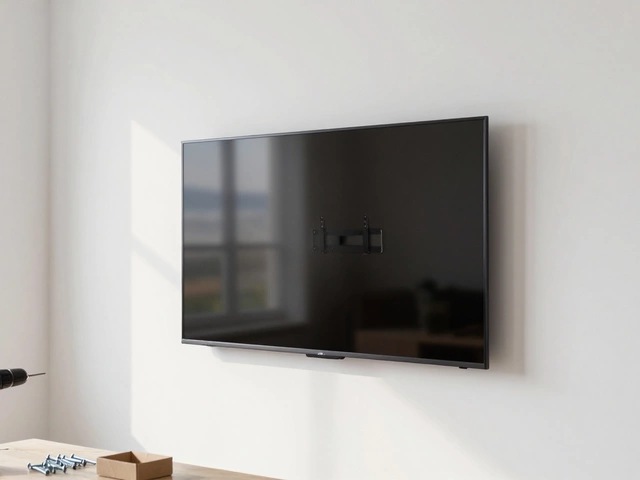
A wall mount saves floor space, looks sleek, and can keep kids and pets safe by keeping the screen out of reach. The key is to check the VESA pattern on your TV and match it with a mount that supports the weight. Look for a mount that swings out a little if you want to watch from different angles.
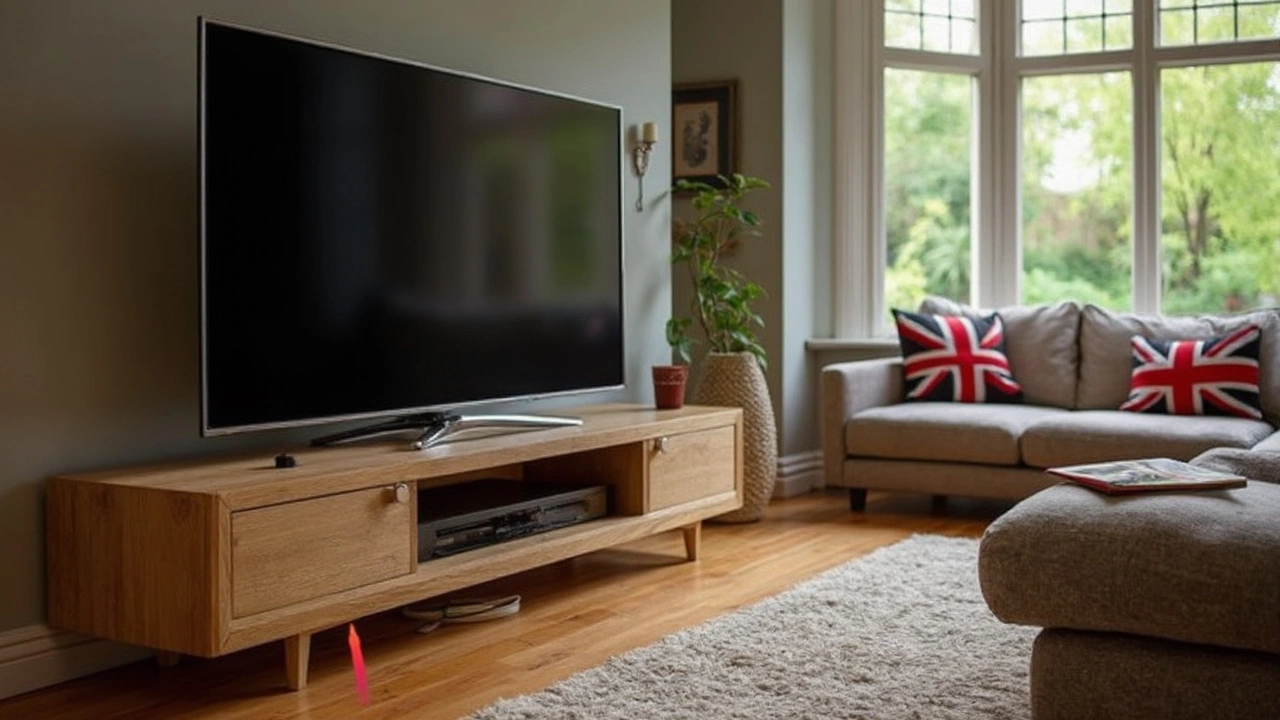
A TV stand is easier to install – just place the unit on a sturdy surface. It’s a good choice if you like to move the TV around or if your walls can’t handle a drill. Stands also give you extra storage for consoles, speakers, or décor. The trade‑off is that you lose a bit of floor space and the TV sits higher than most wall‑mounted setups.
Finding the Perfect Height for Your TV
The sweet spot for most viewers is when the screen’s center is about eye level when you’re seated. A quick rule of thumb: sit on your couch, measure the distance from the floor to your eyes, then aim for the TV’s middle to be within 2‑4 inches of that height. For a 55‑inch TV, this usually lands the bottom of the screen around 30‑36 inches off the floor.
If you have a larger screen or sit farther back, you can raise the mount a few inches without hurting comfort. Just avoid placing the TV too high – looking up for long periods can strain your neck.
When you install in a bedroom, consider a low‑profile mount or a small stand that blends with your nightstand. Some people mount the TV above the headboard for a cinema‑like feel, but be sure the height still lets you watch without craning your neck.
Safety matters too. Use a stud finder to locate wall studs and secure the mount with proper screws. If you’re unsure about drilling into plaster or brick, a professional can help you avoid costly mistakes.
Bottom line: decide whether you value space saving (wall mount) or flexibility (stand), pick a height that matches your eye level, and make sure the installation is secure. Follow these simple steps and you’ll enjoy a crisp, comfortable viewing experience without the hassle.