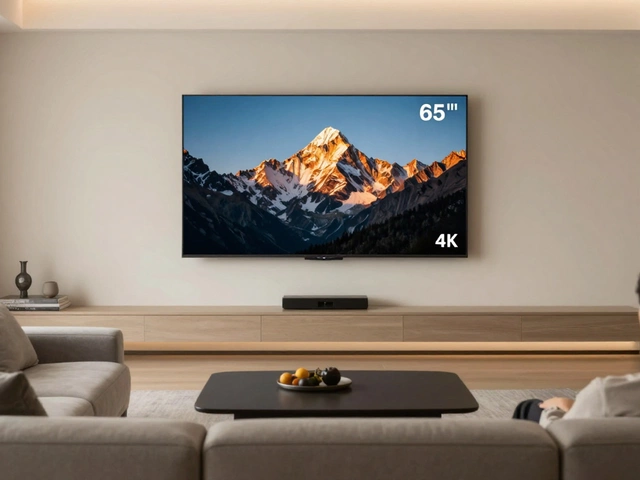
65-Inch TV Stand Compatibility Checker
(~57")
Check Dimensions
Enter your stand's dimensions to see if it fits.
- • Enter width, depth, and weight capacity above.
You’ve just bought that beautiful 65-inch TV, and it looks incredible on the wall. But now you’re staring at an empty space in your living room, wondering what piece of furniture can actually hold this beast without looking like a child’s toy trying to carry a backpack. It’s a common dilemma. A 65-inch television is heavy, wide, and demands respect from whatever surface it sits on.
Getting the size wrong doesn’t just look bad; it can be dangerous. If the stand is too narrow, the TV overhangs dangerously. If it’s too shallow, the TV might tip forward. And if it’s too small, you’ll have no room for your soundbar, console, or even a coffee table in front of it. So, how big does a TV stand need to be for a 65-inch TV? Let’s break down the exact measurements you need to avoid costly mistakes.
The Golden Rule: Width Matters Most
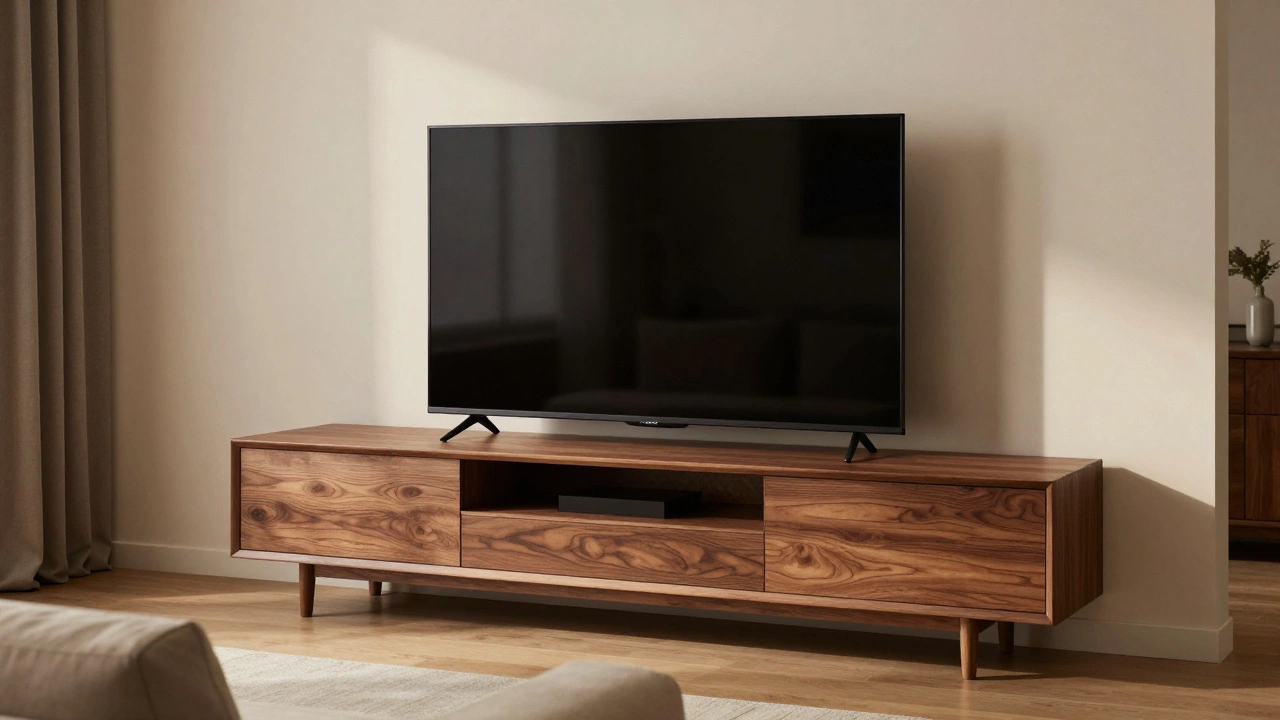
The most critical measurement for any TV stand is its width. For a 65-inch screen, the diagonal measurement is 65 inches, but the actual physical width of the panel is usually around 57 inches (144 cm). This is where people get tripped up. They see "65-inch" and think they need a 65-inch-wide stand. That’s a recipe for disaster.
To keep things stable and visually balanced, your TV stand should be wider than the TV itself. A good rule of thumb is to aim for a stand that is at least 10 to 15 inches wider than the TV’s physical width. This means you’re looking for a minimum width of roughly 68 to 72 inches. Anything less, and the TV will overhang the edges, creating a precarious situation where a slight bump could send your expensive electronics crashing to the floor.
Why go wider? Beyond safety, aesthetics play a huge role. A TV that barely fits on a stand looks cramped and cheap. A stand that extends beyond the TV creates a sense of balance and intentionality. It gives your eye a place to rest and makes the setup feel grounded rather than perched precariously.
Depth: The Often Overlooked Danger Zone
While width gets all the attention, depth is where many buyers make their biggest mistake. Modern TVs are thin, but they aren’t flat sheets of glass. They have weight distribution issues. The center of gravity often leans slightly forward due to the screen’s curvature or the placement of internal components.
A standard TV stand depth ranges from 15 to 20 inches. For a 65-inch TV, you want to aim for the deeper end of that spectrum-closer to 18 to 20 inches. Shallow stands (under 15 inches) can cause the TV to feel unstable, especially if you plan to mount accessories like soundbars underneath or attach gaming consoles that hang off the back. If your stand is too shallow, the TV’s feet might not sit fully within the support area, increasing the risk of tipping.
Think about what else lives under your TV. Soundbars, media players, and cable boxes add bulk. If your stand is only 15 inches deep, you might find yourself stacking devices precariously or having them stick out awkwardly. A deeper stand provides a solid platform for all your gear, keeping everything secure and organized.
Height: Ergonomics and Viewing Comfort
Height is another factor that impacts both comfort and style. The ideal height for a TV stand depends on your seating arrangement and viewing distance. Generally, the center of the TV screen should be at eye level when you’re seated. For most sofas, this means the bottom of the TV should be about 24 to 30 inches off the ground.
If your TV stand is too tall, you’ll find yourself craning your neck upward, which leads to discomfort during long movie nights. Too low, and you’ll be looking down, which isn’t much better. Most standard TV stands range from 18 to 24 inches in height. When you add the thickness of the TV base (usually 2-4 inches), you get a total height that works well for most living rooms.
Consider your sofa’s seat height as well. If you have a low-profile modern sofa, you might need a slightly taller stand to bring the TV up to eye level. Conversely, if you have a high-backed traditional sofa, a lower stand might work better. Measure your sofa’s seat height and adjust accordingly. Comfort shouldn’t be an afterthought.
Weight Capacity: Don’t Ignore the Numbers
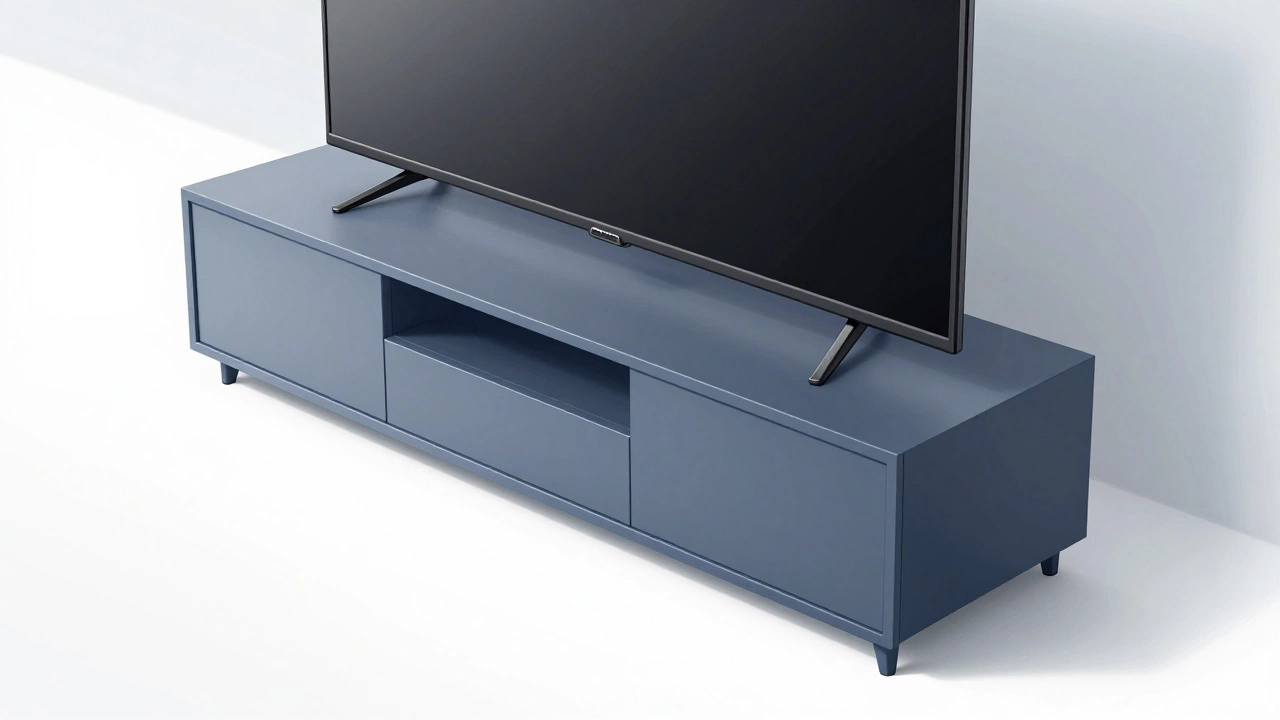
A 65-inch TV isn’t light. Depending on the brand and model, these sets typically weigh between 40 to 60 pounds (18 to 27 kg) without the stand. Add the weight of the VESA mount or base, and you’re easily pushing 70 pounds. Your TV stand needs to handle this load without sagging or wobbling.
Check the manufacturer’s specifications for weight capacity. Look for stands rated for at least 100 pounds (45 kg) to provide a safety margin. Particleboard stands with flimsy legs might look nice but could fail under the stress of a large TV. Solid wood or metal-framed stands offer better durability and stability. If you’re buying online, read reviews specifically mentioning weight capacity and sturdiness. You don’t want to discover your stand is bending three months after purchase.
Style and Material: Matching Your Living Room
Beyond dimensions, the material and style of your TV stand affect its longevity and appearance. Wood stands offer warmth and classic appeal, while metal or glass options provide a sleek, modern look. Consider the traffic in your living room. If you have kids or pets, a glass top might scratch easily, and a dark finish could show dust more prominently.
Storage needs also influence your choice. Do you need open shelves for easy access to game controllers, or closed cabinets to hide clutter? A 65-inch TV setup often includes multiple devices, so ample storage is key. Look for stands with adjustable shelves, cable management holes, and ventilation slots to keep your electronics cool and organized.
| Measurement | Minimum Recommended | Ideal Range | Why It Matters |
|---|---|---|---|
| Width | 68 inches | 72-80 inches | Prevents overhang and ensures visual balance |
| Depth | 15 inches | 18-20 inches | Stability and space for accessories |
| Height | 18 inches | 20-24 inches | Ergonomic viewing angle |
| Weight Capacity | 70 lbs | 100+ lbs | Safety and durability |
Common Mistakes to Avoid
One frequent error is assuming the TV’s diagonal size equals its width. As mentioned, a 65-inch TV is only about 57 inches wide. Another mistake is ignoring the TV’s feet. Some models have wide bases that extend beyond the screen’s edge. Always check the product manual for the “base width” measurement, not just the screen width.
Also, consider the room layout. If your TV stand is against a wall with outlets, ensure the stand has cable management features to hide unsightly wires. Poor cable management can ruin the aesthetic of even the best-looking stand. Finally, don’t forget to measure your doorway and hallway. A large TV stand might not fit through your front door if you’re moving it into a new home.
Finding the Right Fit: Practical Steps
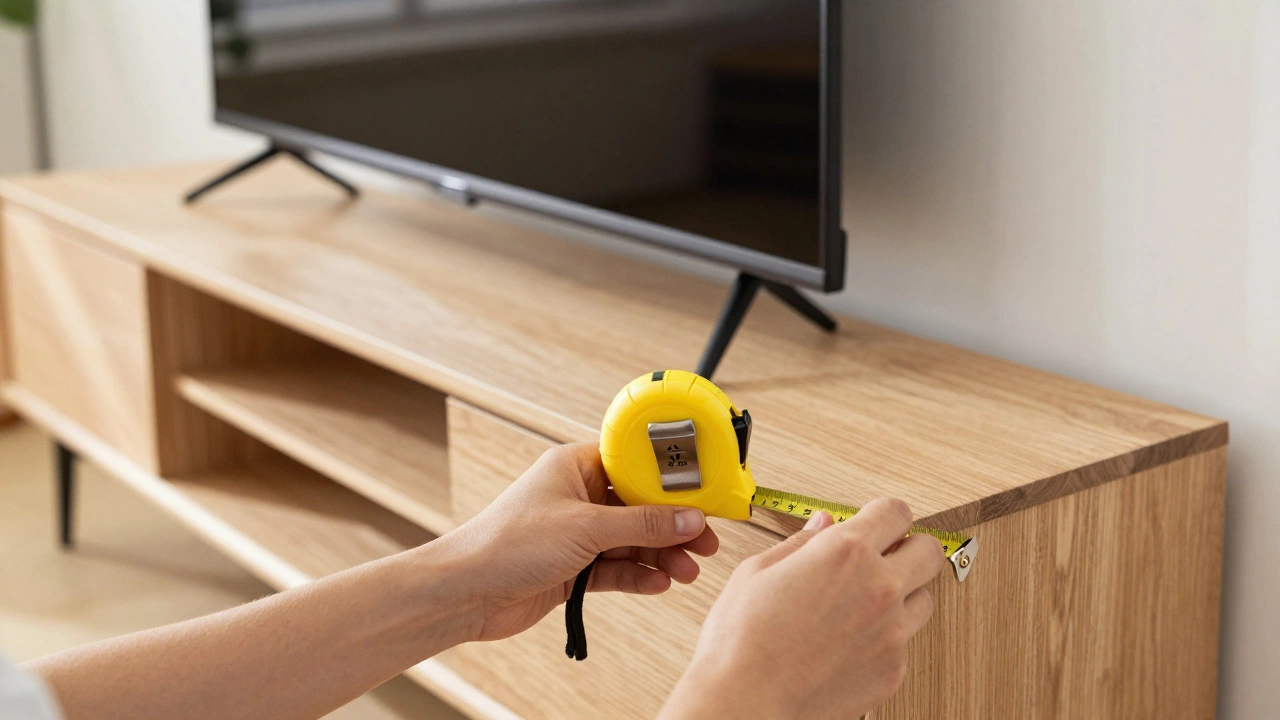
Before heading to the store, grab a tape measure. Measure the wall space where the TV will go, noting any obstructions like radiators or windows. Then, measure your current sofa’s seat height and distance from the wall. With these numbers, you can filter TV stands by width, depth, and height. Online retailers often allow you to filter by TV size compatibility, which can save time.
If you’re still unsure, visualize the setup using cardboard cutouts. Cut out a rectangle representing the TV’s footprint and place it on potential stands. This simple trick helps you see if the proportions work before committing to a purchase. Remember, a well-chosen TV stand enhances your viewing experience and protects your investment.
Can I put a 65-inch TV on a 60-inch stand?
No, it’s not recommended. A 65-inch TV is approximately 57 inches wide. Placing it on a 60-inch stand leaves only 1.5 inches of buffer on each side, which is unsafe and aesthetically unbalanced. Aim for a stand at least 68 inches wide.
What is the ideal depth for a 65-inch TV stand?
The ideal depth is 18 to 20 inches. This provides enough space for the TV’s base and prevents tipping. Shallower stands (under 15 inches) may not support the TV securely, especially if you add accessories like soundbars.
How high should a TV stand be for comfortable viewing?
The bottom of the TV should be 24 to 30 inches off the ground. This places the center of the screen at eye level when seated. Adjust based on your sofa’s height and personal preference.
Do I need a special stand for a curved 65-inch TV?
Curved TVs have different weight distributions and base designs. Check the manufacturer’s recommendations for compatible stands. Generally, a wider and deeper stand is safer to accommodate the curve’s unique footprint.
How do I measure my TV stand for compatibility?
Measure the stand’s width, depth, and height. Compare these to your TV’s physical dimensions (not diagonal size). Ensure the stand’s weight capacity exceeds your TV’s weight by at least 30% for safety.