ADHD-Friendly Chair Compatibility Checker
Answer these questions about your current seating situation to see how well it supports your focus and sensory needs.
Your Compatibility Score
ADHD Friendly
Recommended Upgrades:
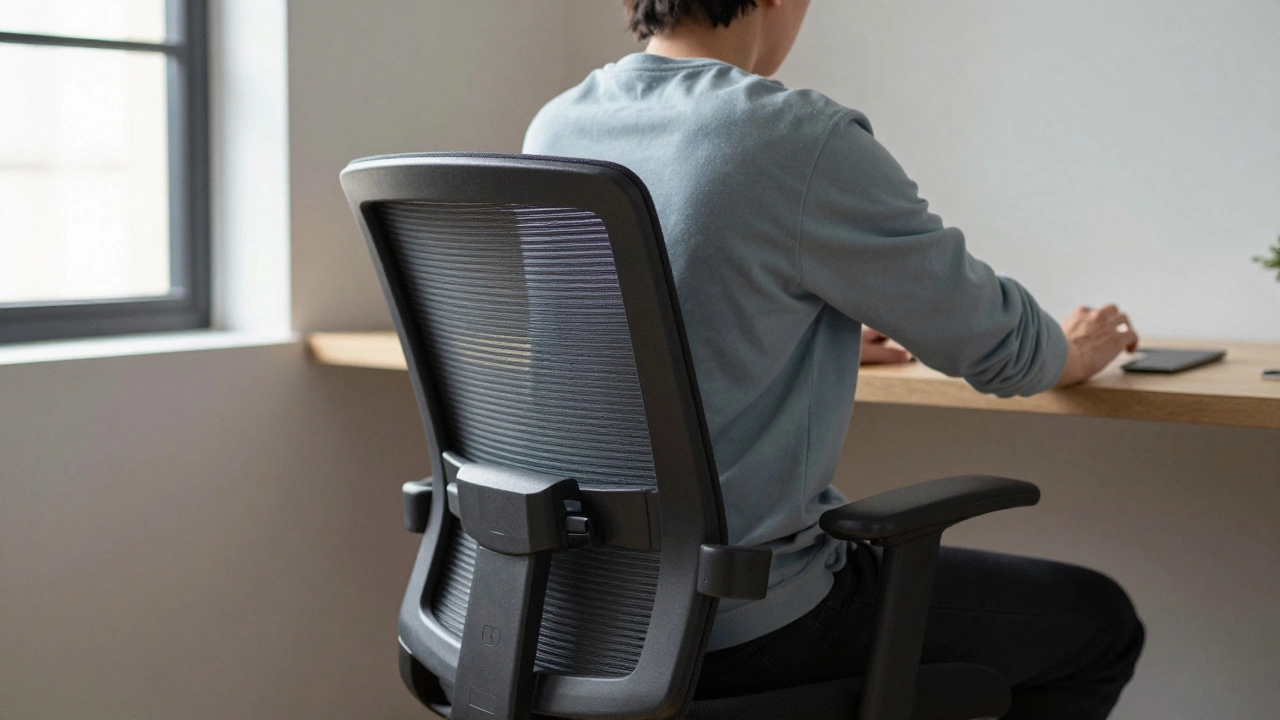
You sit down to work. You’ve got your coffee, your laptop open, and a clear list of tasks. But within twenty minutes, you’re fidgeting. Your leg is bouncing. You’re leaning forward, then slouching back, then twisting sideways. If you have Attention Deficit Hyperactivity Disorder (ADHD), a neurodevelopmental condition characterized by inattention, hyperactivity, and impulsivity, this isn’t just bad posture-it’s your brain seeking stimulation to stay engaged. The wrong chair can make focusing feel like a physical battle. The right one? It might just be the tool that helps you lock in.
We often think of office chairs as static objects. They are not. For a neurodivergent mind, a chair is an interface. It needs to accommodate movement, provide sensory feedback, and support long periods of sitting without causing discomfort that distracts from the task at hand. Let’s break down what actually works for ADHD brains when it comes to seating.
The Movement Paradox: Why Stillness Is Hard
One of the biggest myths about ADHD is that people need to "calm down." In reality, many people with ADHD use movement to regulate their nervous system. This is called stimming, self-stimulatory behavior used to self-regulate emotions or sensory input. Rocking, spinning, bouncing, or shifting weight aren’t signs of disrespect; they are mechanisms to maintain alertness.
Traditional office chairs punish this need. They lock you into a fixed position. When your body wants to move but the chair resists, your brain has to spend energy fighting the constraint instead of focusing on your work. This leads to faster mental fatigue. The solution isn’t to stop moving-it’s to choose a chair that allows controlled movement.
- Synchronous Tilt Mechanisms: These allow the seat pan and backrest to recline together. It lets you lean back slightly while keeping your feet flat, which engages core muscles gently without breaking focus.
- Swivel Functionality: A smooth, quiet swivel base lets you turn to grab something or look around without standing up. This small range of motion can satisfy the urge to shift position.
- Dynamic Seating: Some modern chairs feature flexible seats that adapt to your movements rather than resisting them. Think of it like a trampoline surface that gives way slightly under pressure.
Sensory Overload: Texture, Pressure, and Heat
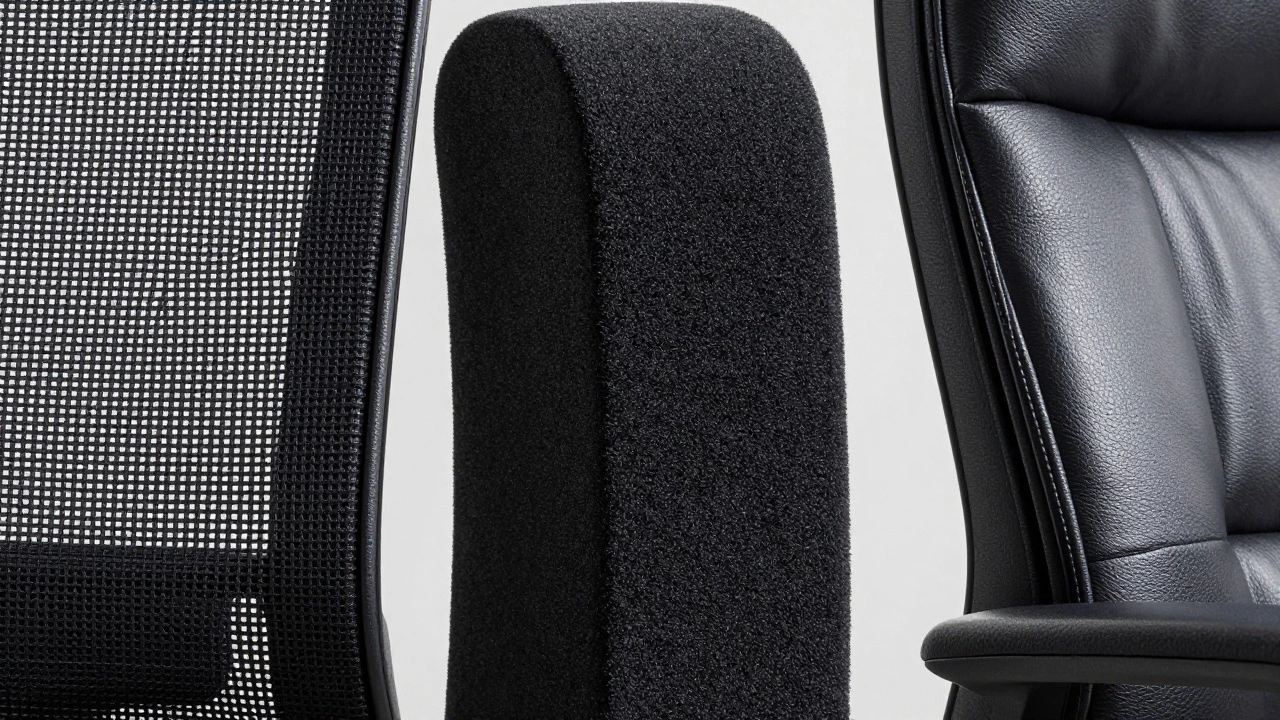
ADHD often co-occurs with sensory processing sensitivities. What feels neutral to one person can feel unbearable to another. A mesh chair might feel airy and cool to some, but scratchy and irritating to someone with tactile sensitivity. Leather might feel luxurious to one person but trap heat and cause sweating, leading to distraction, for another.
Consider these sensory factors when choosing a seat:
| Material | Pros for ADHD | Cons for ADHD |
|---|---|---|
| Mechanical Mesh | Breathable, reduces heat buildup | Can feel stiff or scratchy against bare skin |
| Foam Padding | Soft, conforming, provides deep pressure sensation | Traps heat, may flatten over time reducing support |
| Leather/Faux Leather | Easy to clean, smooth texture | Poor breathability, can stick to skin in humid conditions |
| Fabric/Upholstery | Warm, soft, less slippery | Can absorb odors, harder to clean if spills occur |
If you are sensitive to touch, avoid cheap mesh that digs into your thighs. Look for high-quality woven mesh or padded seats with breathable fabric covers. Deep pressure therapy is calming for many with ADHD, so a chair with thick, supportive lumbar padding can provide that grounding sensation.
Ergonomics Are Not One-Size-Fits-All
Standard ergonomic advice says "feet flat on the floor, knees at 90 degrees." For many people with ADHD, this rigid rule causes restlessness. If your legs don’t fit comfortably, you’ll start swinging them or crossing them tightly, which restricts blood flow and increases discomfort.
Instead, prioritize adjustability:
- Seat Height Adjustment: Ensure your feet can rest flat or on a footrest. If your desk is too high, a footrest becomes essential to prevent leg bouncing.
- Lumbar Support: Lower back pain is a major distraction. Adjustable lumbar support lets you find the exact spot where your spine feels supported, reducing the urge to slouch.
- Armrest Adjustability: High armrests can force your shoulders up, creating tension. Low or removable armrests allow you to pull the chair closer to the desk, promoting better posture.
- Seat Depth: If the seat is too deep, it cuts off circulation behind your knees. Too shallow, and you lack thigh support. Look for a chair with a sliding seat pan.
Alternative Seating Options
Sometimes, a traditional chair just doesn’t cut it. That’s okay. There are alternatives designed specifically for dynamic sitting:
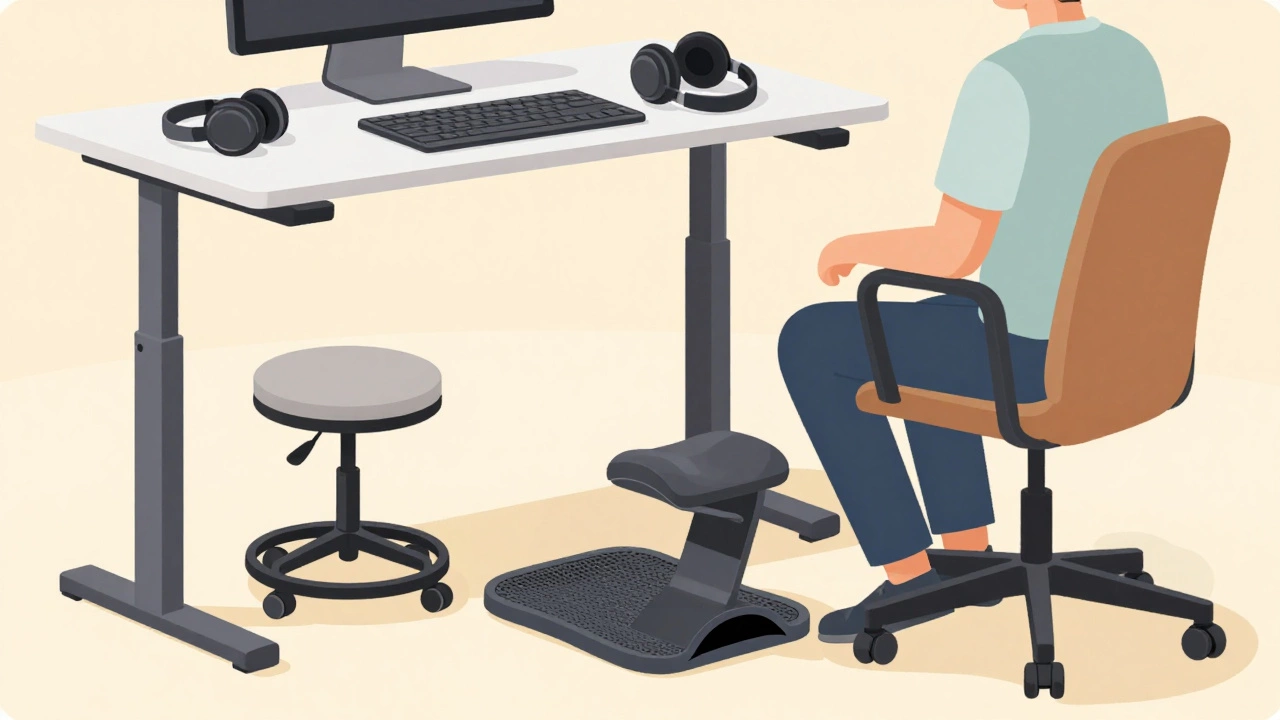
- Kneeling Chairs: These tilt your pelvis forward, opening up your hip angle and engaging your core. They naturally discourage slouching and can help keep you alert. However, they require strong leg muscles and may not be suitable for long sessions.
- Balance Balls: Sitting on a stability ball forces constant micro-adjustments. This satisfies the need for movement and improves core strength. The downside? It’s hard to lean back, and you might roll away from your desk unexpectedly.
- Wobble Stools: These have a rounded base that allows slight rocking in any direction. They provide movement without the instability of a ball, making them a safer option for focused work.
- Standing Desks with Anti-Fatigue Mats: Alternating between sitting and standing can reset your attention span. An anti-fatigue mat adds subtle unevenness, encouraging gentle shifts in weight.
Pro Tips for Maximizing Focus
Even the best chair won’t fix everything if your setup is wrong. Here are some practical tips:
- Add a Footrest: If your feet dangle, buy a contoured footrest. It gives your legs something to press against, satisfying the urge to bounce.
- Use Lumbar Pillows: If your chair lacks good lower back support, add a firm pillow. Place it at the curve of your spine, not higher up.
- Experiment with Posture: Don’t force yourself to sit perfectly straight. Lean forward when typing, lean back when reading. Use the chair’s tilt mechanism to change positions every 20-30 minutes.
- Minimize Visual Clutter: A messy desk can overwhelm an ADHD brain. Keep only essential items on your desk to reduce visual distractions.
- Try Noise-Canceling Headphones: Auditory distractions can be just as disruptive as physical ones. Blocking out background noise helps you stay in the zone.
Common Mistakes to Avoid
Don’t fall for marketing hype. Just because a chair is labeled "ergonomic" doesn’t mean it’s right for you. Many expensive chairs are designed for average bodies and average attention spans. They prioritize aesthetics over function.
Avoid chairs with:
- Hard Plastic Edges: These dig into your thighs and cause numbness.
- Noisy Casters: Squeaky wheels or loud rolling sounds can be incredibly distracting in a quiet office.
- Fixed Armrests: Non-adjustable armrests force your arms into awkward positions, leading to shoulder strain.
- Excessive Cushioning: Too much soft padding makes it hard to get up and can lead to poor posture as you sink in.
Final Thoughts
Finding the right chair for ADHD is about trial and error. What works for one person might not work for another. Pay attention to how your body feels after an hour of sitting. Are you restless? Do you have back pain? Are you distracted by the texture of the seat? Use these signals to guide your next purchase. Your productivity depends on it.
What is the best type of office chair for someone with ADHD?
The best chair offers adjustability and allows for movement. Look for features like synchronous tilt, adjustable lumbar support, and breathable materials. Chairs that permit slight rocking or swiveling can help satisfy the need for motion without disrupting focus.
Do balance balls help with ADHD focus?
Yes, for some people. Balance balls require constant micro-movements to maintain stability, which can keep the brain engaged. However, they lack back support and can be tiring for long periods. They are best used for short bursts of work or combined with a regular chair.
Why do I fidget more when sitting in certain chairs?
Fidgeting is often a response to discomfort or lack of stimulation. If a chair is too stiff, too hot, or doesn’t support your posture well, your body will try to adjust by moving. This movement helps regulate your nervous system and maintain alertness.
Is mesh better than foam for ADHD?
It depends on your sensory preferences. Mesh is cooler and more breathable, which helps if you tend to overheat. Foam provides deeper pressure and cushioning, which can be calming for those who prefer a softer, more enveloping feel. Try both if possible.
How can I make my current chair more ADHD-friendly?
Add accessories like a lumbar pillow for back support, a footrest for leg comfort, and armrest pads if the existing ones are uncomfortable. You can also use a cushion to improve seat depth or texture. Small adjustments can significantly improve comfort and focus.